You’ve seen the ads for voice-controlled lights, smart thermostats, and automated blinds, and you’re intrigued. But when you start adding up the costs of turning your entire home “smart,” the total can be eye-watering. Here’s the good news: you don’t need to automate everything at once, and you definitely don’t need to spend thousands to enjoy the convenience and energy savings of a smart home. With a strategic approach and the right starter devices, you can begin your smart home journey for a few hundred dollars.
Start With a Smart Hub or Ecosystem
Before buying individual devices, decide on your control system. The three main ecosystems are Amazon Alexa, Google Home, and Apple HomeKit. Your choice will depend on what devices you already own and your budget.
For budget-conscious buyers, Amazon Echo Dot or Google Nest Mini speakers ($30-50) are excellent starting points. They’ll control compatible devices through voice commands and serve as your central hub. If you’re already invested in Apple products, a HomePod Mini ($99) integrates seamlessly, though it’s pricier upfront.
Avoid the temptation to buy devices from multiple ecosystems early on. Stick with one platform to ensure everything works together smoothly and you’re not juggling multiple apps.
Prioritize High-Impact, Low-Cost Devices
Not all smart devices deliver equal value. Focus on these budget-friendly options that make the biggest difference in daily life:
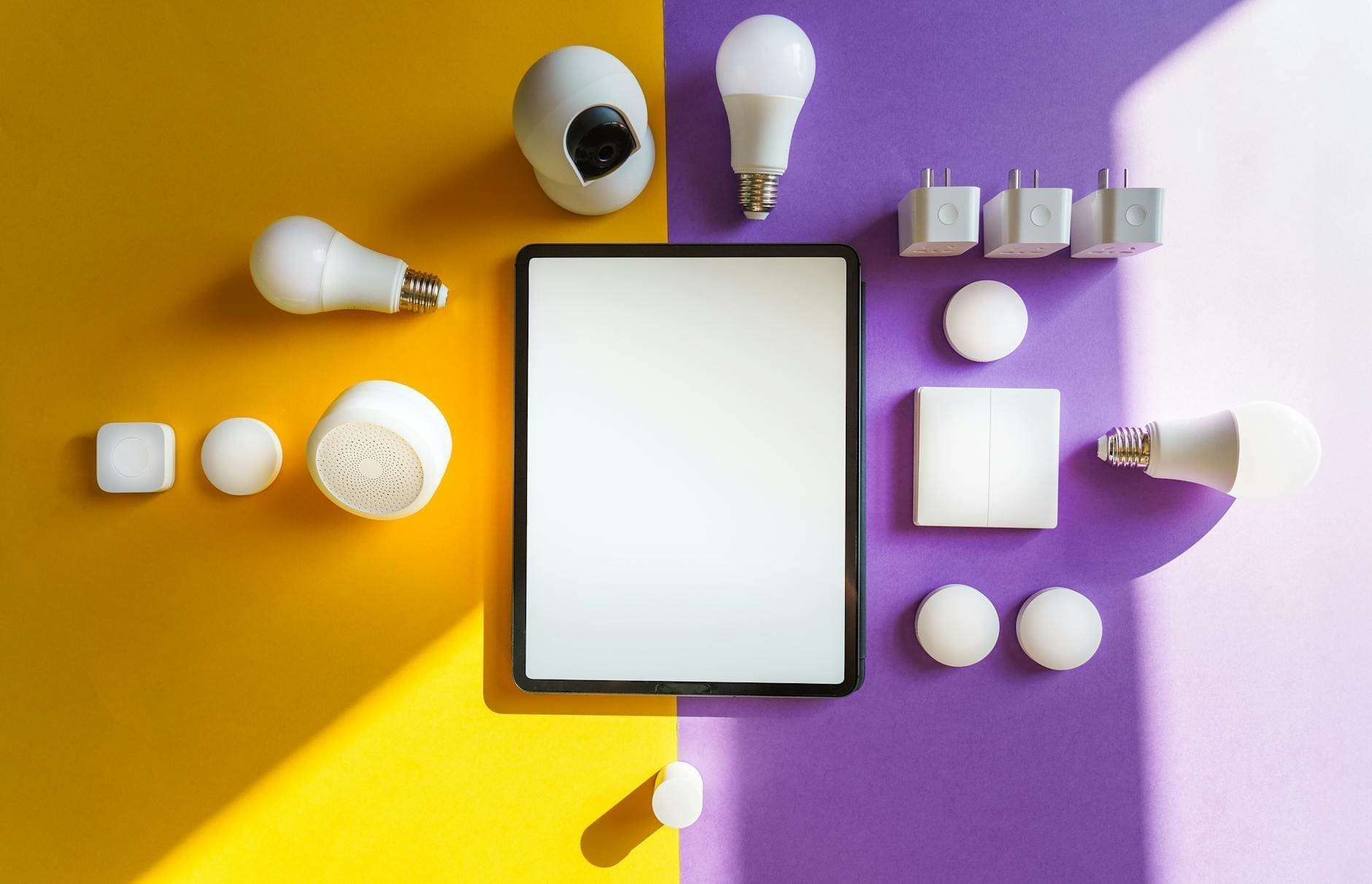
Smart plugs ($15-25 each): These transform any lamp, fan, or coffee maker into a voice-controlled device. Buy a 4-pack for $40-60 and instantly automate your existing furnishings without replacing anything.
Smart bulbs ($10-40 per bulb): Start with one or two in your most-used spaces like the living room or bedroom. White-only bulbs cost $10-15, while color-changing options run $20-40. They last years and can reduce energy costs by 75% compared to traditional bulbs.
Smart thermostat ($100-250): This is your splurge item, but it pays for itself. Models like the Google Nest Thermostat or Amazon Smart Thermostat (around $100-130) can cut heating and cooling costs by 10-23% annually. Many utility companies offer rebates that bring the effective cost down significantly.
Video doorbell ($50-100): Budget options from Wyze or Blink provide security and package monitoring without monthly fees, though cloud storage subscriptions ($3-10/month) add useful features.
Skip the smart refrigerators, mirrors, and specialty items for now. These carry premium prices and offer features you can easily live without while building your system.
Consider Smart Lighting vs. Smart Switches
This decision significantly impacts your budget. Smart bulbs are cheaper initially ($10-20 each) but add up if you’re outfitting multiple fixtures. Smart light switches ($20-60 per switch) cost more upfront but control entire rooms from one device and work with your existing bulbs.
The math is simple: if you have a ceiling fan with four bulbs, one smart switch at $30 beats buying four smart bulbs at $60 total. But for a single table lamp, a $15 smart bulb makes more sense than rewiring a switch.
For renters or those uncomfortable with electrical work, stick with smart bulbs and plugs. Homeowners planning to stay long-term should invest in switches for frequently-used overhead lighting.
Build Gradually and Watch for Sales
A starter smart home (hub, 2-3 smart plugs, 2-3 bulbs, and a thermostat) runs $200-350. That’s manageable, but you don’t need to buy everything at once.
Start with a smart speaker and two or three devices that solve your biggest annoyances—maybe smart plugs for hard-to-reach lamps or a video doorbell if you worry about packages. Add new devices every few months as you identify needs and catch sales.
Black Friday, Prime Day, and back-to-school sales often discount smart home devices by 30-50%. Sign up for price alerts on the items you want, and buy when deals appear.
Remember that subscription services can quietly inflate costs. Many budget devices work fine without monthly fees, storing footage locally or offering limited free cloud storage. Read the fine print before committing to ongoing charges.
The smartest approach to smart home technology isn’t buying everything at once—it’s starting small with high-impact devices, choosing one reliable ecosystem, and expanding as your needs and budget allow. You’ll enjoy the convenience and energy savings immediately while building toward a fully automated home on your own timeline.
If you’re shopping for an air purifier, you’ve probably noticed two main technologies dominating the market: ionic purifiers and HEPA filters. Both promise cleaner air, but they work in completely different ways—and when it comes to safety, one has a clear advantage. Let’s break down what you actually need to know to make the right […]
You know you want cleaner air at home, but standing in front of air purifier options can feel overwhelming. Should you invest in a whole house system that integrates with your HVAC, or stick with portable units you can move from room to room? The answer depends on your home’s layout, your budget, and how […]
Did You Know? The Declaration of Independence Was Likely Written in a Windsor Chair As America celebrates 250 years of independence, it’s worth looking at one of the quieter witnesses to that history: the humble Windsor chair. Thomas Jefferson is said to have drafted the Declaration of Independence while seated in an unusual revolving Windsor […]