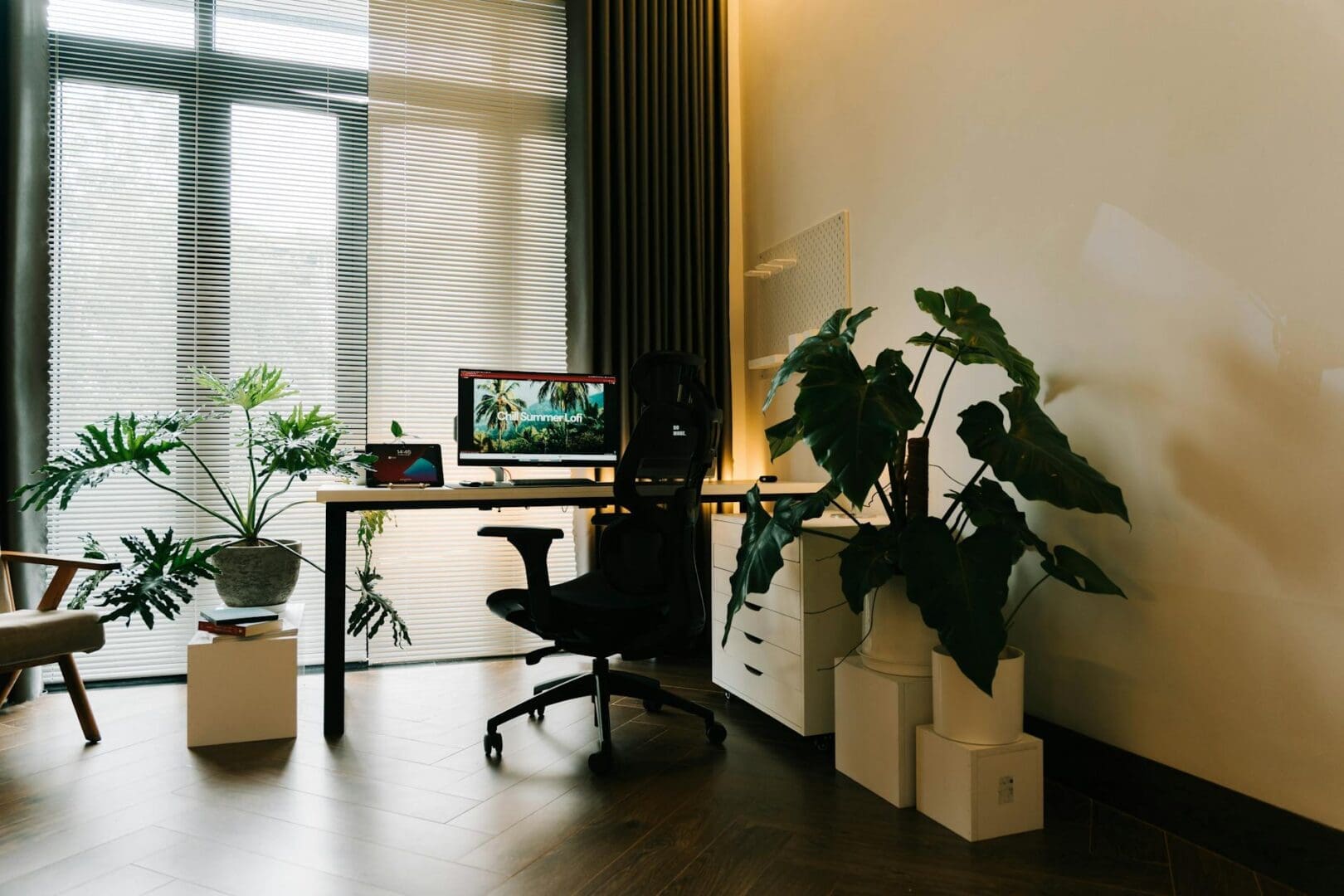
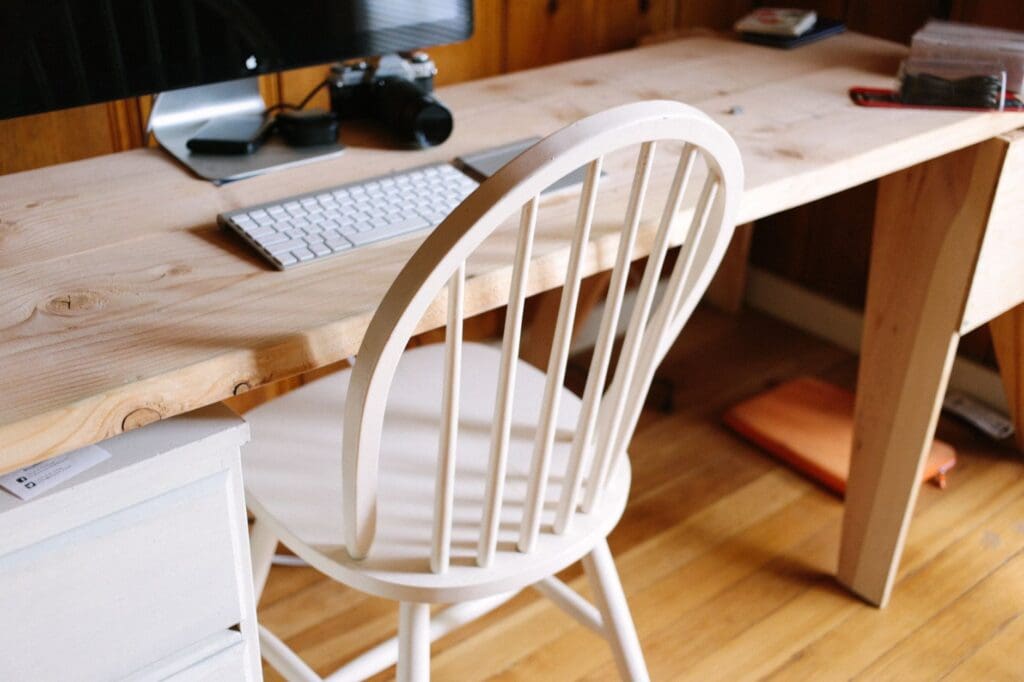
If your back aches after a day at your home office, you’re not alone. That dining chair or couch that seemed fine for occasional laptop work probably isn’t cutting it for eight-hour stretches. The good news? A few strategic furniture upgrades can make a real difference in how you feel at the end of the workday.
Start With a Chair That Actually Supports You
Your office chair is the foundation of a pain-free workday. Look for chairs with adjustable lumbar support that curves inward to match the natural shape of your lower spine. The backrest should reach at least to your shoulder blades, and you should be able to adjust the height so your feet rest flat on the floor with your knees at a 90-degree angle.
Budget-friendly task chairs with basic lumbar adjustment start around $150-250 and work well for many people. Mid-range ergonomic chairs ($400-700) typically offer more adjustment points including armrest height, seat depth, and tilt tension. High-end models ($800-1,500) add features like dynamic lumbar support and premium materials that hold up to years of daily use.
Pay attention to seat depth too. You want 2-4 inches between the front edge of the seat and the back of your knees. Too much pressure there restricts circulation and can cause lower back strain as you shift position throughout the day.
Get Your Desk Height Right
Even the best chair won’t help if your desk forces you into awkward positions. Standard desks sit at 29-30 inches high, which works for people between 5’8″ and 5’10”. If you’re shorter or taller, you’ll likely hunch or crane your neck to see your screen and reach your keyboard comfortably.
Adjustable standing desks solve this problem and offer the bonus of position changes throughout the day. Electric models ($400-900) adjust smoothly with the push of a button, while manual crank versions ($250-400) cost less but require more effort to change heights. If a new desk isn’t in the budget right now, a desktop riser ($100-300) sits on your existing desk and raises your monitor and keyboard to a better height.
When sitting, your elbows should bend at roughly 90 degrees when typing, with your wrists straight and your monitor at or slightly below eye level. This neutral position takes pressure off your neck and upper back.
Add Support Where You Need It
Sometimes smaller accessories make a surprisingly big impact. A footrest ($20-60) helps if your feet dangle or if you need to raise your chair higher than what allows your feet to touch the floor. This keeps your hips and knees properly aligned and prevents you from slouching.
Lumbar cushions ($25-80) can upgrade an existing chair by providing extra lower back support exactly where you need it. Look for ones with adjustable straps that stay in place and firm foam that doesn’t flatten after a few weeks. Memory foam versions ($40-80) contour to your specific curve, while firmer options provide more structured support.
Monitor arms ($80-200) get your screen to the proper height and distance without stacking books or boxes under your laptop. Your screen should sit about an arm’s length away, with the top of the display at or just below eye level so you’re not tilting your head up or down for hours.
Consider Your Whole Setup
Back pain rarely comes from just one problem. Take a full inventory of your workspace. Is your keyboard and mouse positioned so your shoulders stay relaxed? Can you sit all the way back in your chair while working, or do you perch on the edge to reach everything? Does glare from a window make you lean forward and squint?
An ergonomic keyboard ($60-150) and vertical mouse ($30-80) reduce strain that travels up your arms to your shoulders and back. A desk lamp with adjustable brightness ($40-120) prevents the forward head position that comes from straining to see your screen.
The goal is a setup where everything comes to you in a neutral position rather than forcing you to reach, bend, or twist repeatedly. Your body should feel supported and relaxed, not tensed up just to do your job.
Back pain from working at home usually isn’t something you have to just live with. The right chair provides the foundation, proper desk height maintains good posture, and supportive accessories fill in the gaps. Start with the piece that addresses your biggest pain point, then build from there as your budget allows.
If you’ve been hitting snooze repeatedly or dragging yourself out of bed feeling groggy, you’re not alone. Waking up to a jarring alarm in a dark room works against your body’s natural rhythms, especially during winter months. A sunrise alarm clock mimics natural dawn, gradually filling your room with light to ease you awake. But […]
Waking up at 3 a.m. with a sweaty neck and flipping your pillow to the cool side for the fourth time isn’t just annoying—it’s robbing you of quality sleep. If you’re a hot sleeper, your pillow might be trapping heat against your head and neck all night long. The good news? The right cooling pillow […]
If you’re working from home or spending hours at your desk, you’ve probably noticed that not all chairs are created equal. That bargain office chair seemed fine at first, but now your back aches by mid-afternoon. You’ve been eyeing ergonomic chairs, but with price tags that can run three to ten times higher than regular […]