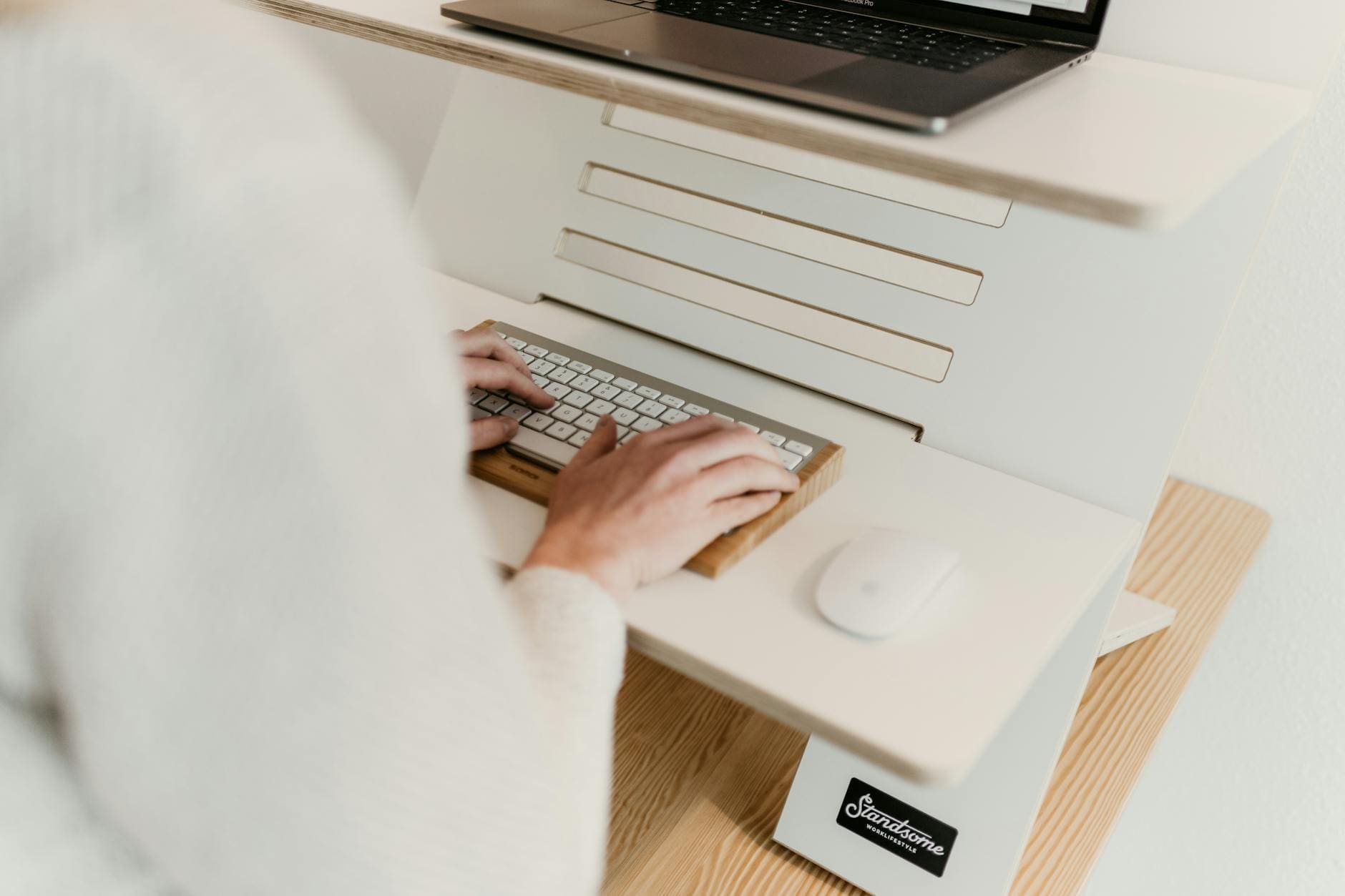
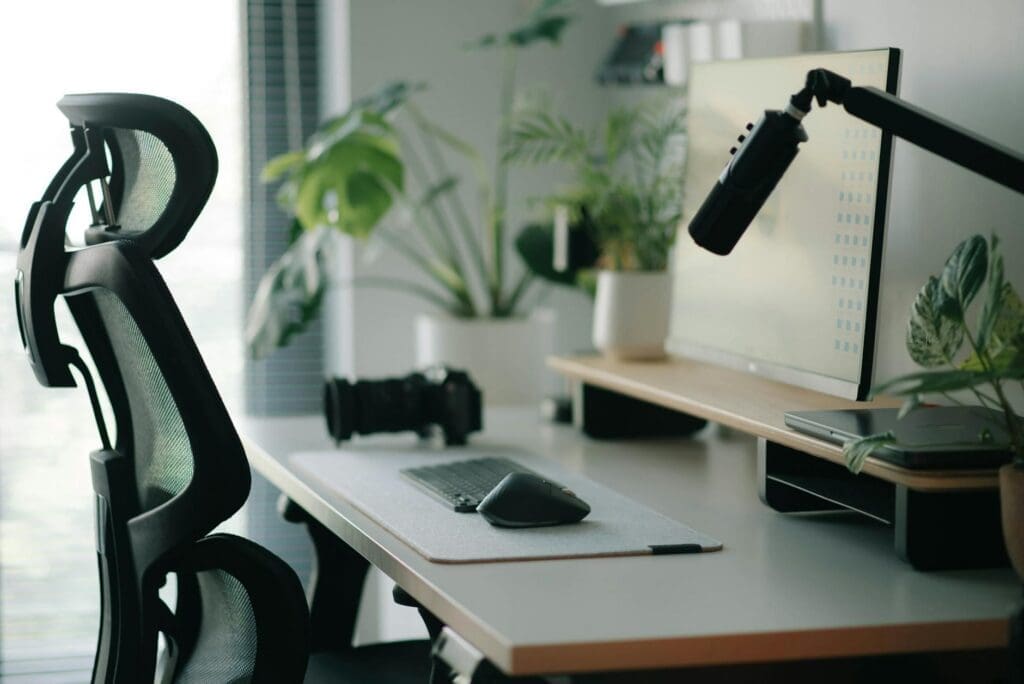
If you’ve been thinking about adding a standing desk to your home office, you’re not alone. Whether you’re dealing with back pain from too many hours hunched over your laptop or just want the flexibility to change positions throughout the day, a standing desk can be a game-changer. But with options ranging from simple desktop converters to fully electric desks with programmable presets, figuring out which one actually fits your needs takes a bit of homework.
Height Adjustment: Manual vs. Electric
The heart of any standing desk is how it adjusts, and this is where you’ll see the biggest price differences. Manual crank desks typically run $200-400 and work fine if you don’t mind a bit of elbow grease. You’ll turn a handle for 30-40 seconds to raise or lower the desk, which sounds simple enough until you realize you might do this 5-10 times a day.
Electric standing desks ($400-800 for quality models) use motors to adjust height at the push of a button. Most take 15-20 seconds to move from sitting to standing position. Mid-range and premium electric desks include programmable memory presets, so you can save your ideal sitting and standing heights and switch between them instantly. If multiple people use the desk, this feature alone justifies the investment.
Pneumatic or counterbalance systems fall somewhere in the middle price-wise but can feel less stable at standing height, especially if you’re working with dual monitors or heavier equipment.
Desktop Size and Weight Capacity
Your desk needs to accommodate more than just your laptop. Measure your current workspace including monitors, keyboard, mouse, notebook, coffee cup, and any other essentials you keep within arm’s reach. Most standing desks come in widths from 48 to 72 inches and depths from 24 to 30 inches.
A 48-inch wide desk works for single-monitor setups or laptop-only work, but feels cramped with dual monitors. If you’re running two screens plus other equipment, look at 60 inches or wider. The 30-inch depth gives you better ergonomics, letting you position monitors at the proper distance from your eyes while still having desk space in front of your keyboard.
Weight capacity matters more than most people think. Budget desks often max out around 100-150 pounds, which sounds like plenty until you add up two monitors, a laptop, a docking station, and desk accessories. Quality desks handle 200-300 pounds without wobbling. If you notice a desk wobbling in showroom photos or videos, it’ll be worse in real life.
Stability and Frame Quality
Here’s the thing nobody tells you about cheap standing desks: they shake. Every keystroke creates a ripple across your monitors, and forget about leaning on the desk or writing notes by hand. The frame construction determines stability, and you can usually spot quality by looking at a few key features.
Dual-motor systems (one motor per leg) offer better stability than single-motor desks that use a crossbar. Steel frames beat aluminum for wobble resistance. Look for desks with at least 2-stage legs; 3-stage legs extend higher but can feel less stable at maximum height. The base width should adjust to at least 40 inches for proper support.
If possible, test a desk before buying. Put your hands on the surface and push down gently, then from the side. A quality desk should feel rock-solid at both sitting and standing heights. Desktop thickness matters too—anything under 0.75 inches will feel flimsy.
Additional Features Worth Considering
Once you’ve nailed down the basics, a few extras can improve your daily experience. Built-in cable management trays keep cords organized and prevent them from yanking out when you adjust height. Some desks include grommet holes for routing cables cleanly through the desktop.
Collision detection automatically stops the desk if it hits an obstacle while moving—helpful if you have a filing cabinet underneath or tend to leave your chair pushed in. Quiet motors matter if you take video calls; cheaper motors can sound like a garbage truck backing up.
Desktop material is mostly aesthetic preference, but laminate surfaces clean easier than wood and resist water rings better. Bamboo desks look great but show scratches more readily than darker finishes.
Your standing desk will likely be the centerpiece of your home office, so choose something that’ll work hard for you every single day. Focus on smooth, reliable height adjustment and rock-solid stability first, then consider the extras that fit your budget. A quality standing desk should last 7-10 years of daily use, which makes even a $700 investment pretty reasonable when you break it down to about $100 per year for something you’ll use for hours every day.
Your home office deserves better than a jumble of mismatched shelves and that filing cabinet you’ve been meaning to replace. A storage wall unit can transform your workspace from chaotic to composed, giving you dedicated spots for books, supplies, tech equipment, and all those things that currently live in piles. The trick is finding one […]
If you’re drowning in papers, sticky notes, and file folders that haven’t been touched in months, you’re not alone. The promise of a paper-free office isn’t just about going digital—it’s about choosing furniture and storage solutions that support a cleaner, more organized way of working. The right setup makes it easier to maintain that clutter-free […]
Your back is telling you it’s time. After months of working from home in a dining chair or that hand-me-down seat from college, you’re ready to invest in a proper office chair. The good news? You don’t need to spend $800 on a Herman Miller to get real ergonomic support. The under-$300 market is packed […]