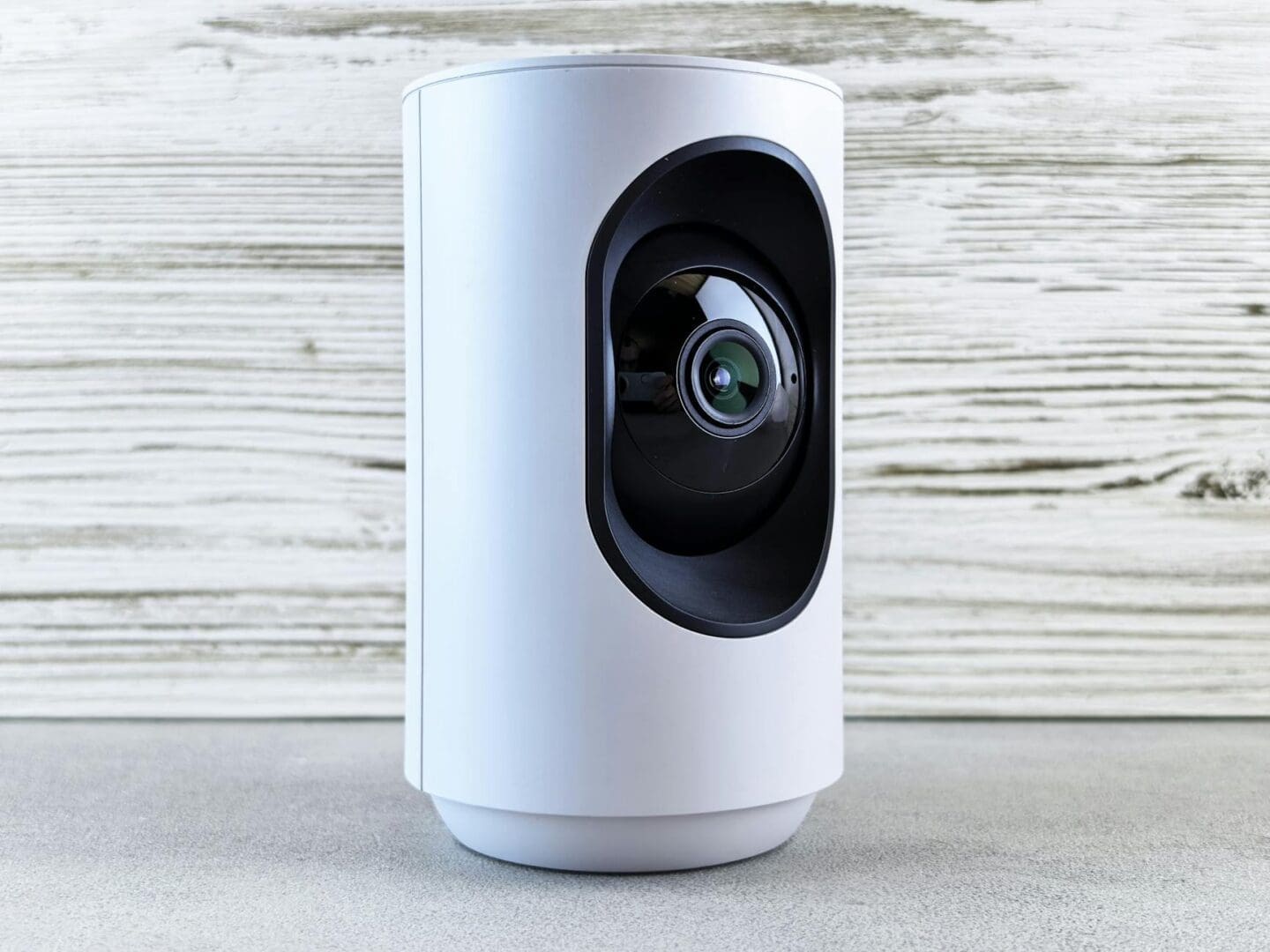
Shopping for smart home security can feel overwhelming when you’re staring at dozens of cameras, doorbells, and locks that all promise to keep your home safe. Some cost $30, others $300, and the feature lists read like tech manuals. What you really need to know is simple: which devices will actually work for your home, integrate with what you already own, and give you peace of mind without requiring a computer science degree to set up.
Figure Out Your Ecosystem First
Before you fall in love with any specific camera or doorbell, take stock of what smart home platform you’re already using. If you have Alexa devices throughout your house, you’ll want security gear that plays nicely with Amazon. Already invested in Apple HomeKit or Google Home? That narrows your choices considerably, and that’s actually a good thing.
Ring and Arlo work seamlessly with Alexa. Nest products (now Google Nest) integrate beautifully if you’re in the Google ecosystem. If you’re an Apple household, look for devices with HomeKit certification like Logitech Circle View or Aqara cameras. Mixing ecosystems isn’t impossible, but it means juggling multiple apps and losing out on convenient voice commands and automation routines.
Budget around $50-80 for basic indoor cameras, $100-180 for outdoor cameras with better weather resistance, and $150-250 for video doorbells from reputable brands. Smart locks typically run $150-300 depending on features.
Match Devices to Your Actual Needs
A six-camera security system sounds impressive, but do you really need it? Think about your home’s vulnerable points. Most people benefit from a video doorbell (to see packages and visitors), one or two outdoor cameras covering side gates or driveways, and maybe an indoor camera if you have pets or want to monitor a specific room.
Look for these must-have features: 1080p video resolution minimum (anything less looks grainy), night vision, two-way audio, and motion detection zones you can customize. Weather resistance ratings (IP65 or higher) matter for outdoor cameras. For doorbells, make sure it works with your existing chime and wiring situation, or be prepared to use battery-powered models that you’ll need to recharge every few months.
Skip gimmicky features like facial recognition unless you’re willing to pay monthly subscription fees. Many brands lock their best features, cloud storage, and even continuous recording behind subscriptions that run $3-10 per camera monthly.
Consider Installation and Ongoing Costs
Battery-powered devices offer the easiest installation since you’re just mounting them and connecting to WiFi. But remember you’ll be climbing a ladder every 2-6 months to recharge them. Wired cameras need either existing wiring or a willingness to drill holes and possibly hire an electrician, but they’re set-it-and-forget-it once installed.
Smart locks deserve special attention here. Keypad models are straightforward to install if you’re replacing a deadbolt. But if you want a lock that auto-locks behind you or integrates with your doorbell camera, expect to spend more and possibly deal with WiFi bridge devices.
Don’t forget about storage costs. Local storage options (SD cards or base stations) mean one-time costs but potential footage loss if someone steals the device. Cloud storage offers remote access and backup but adds up over time. Calculate the annual cost before buying: a $100 camera with a $10 monthly subscription costs you $220 the first year and $120 every year after.
Prioritize Reliable Brands and Return Policies
Stick with established names like Ring, Nest, Arlo, Wyze, Eufy, and August for locks. These companies have track records for security updates, customer support, and not disappearing overnight. Lesser-known brands might save you $20 now but could leave you with an expensive paperweight when they stop supporting the app.
Start with one or two devices rather than buying a whole system at once. Test the video quality, app usability, and whether you actually check the footage. Many people buy elaborate systems and then only use the doorbell. You can always expand later, and starting small helps you learn what you truly value. The best security system is one you’ll actually use consistently, not the one with the most impressive spec sheet.
If you’re shopping for an air purifier, you’ve probably noticed two main technologies dominating the market: ionic purifiers and HEPA filters. Both promise cleaner air, but they work in completely different ways—and when it comes to safety, one has a clear advantage. Let’s break down what you actually need to know to make the right […]
You know you want cleaner air at home, but standing in front of air purifier options can feel overwhelming. Should you invest in a whole house system that integrates with your HVAC, or stick with portable units you can move from room to room? The answer depends on your home’s layout, your budget, and how […]
Did You Know? The Declaration of Independence Was Likely Written in a Windsor Chair As America celebrates 250 years of independence, it’s worth looking at one of the quieter witnesses to that history: the humble Windsor chair. Thomas Jefferson is said to have drafted the Declaration of Independence while seated in an unusual revolving Windsor […]