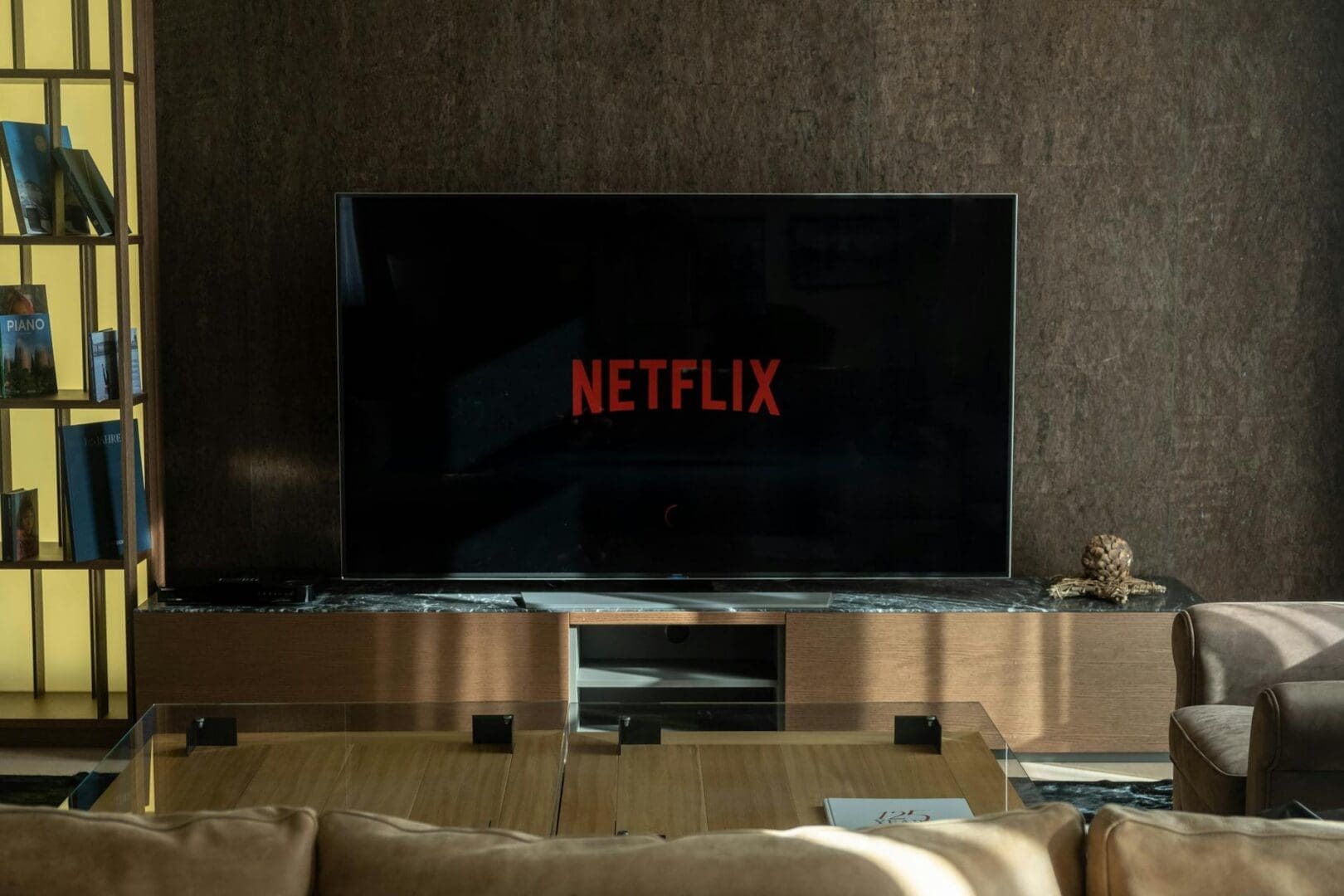
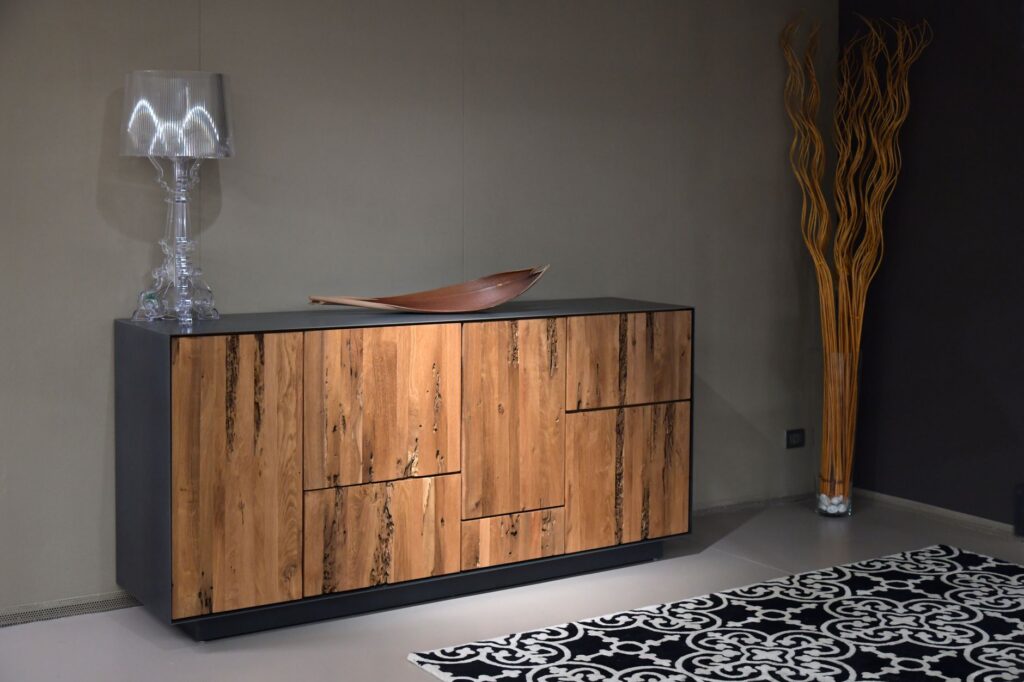
You’ve invested in a beautiful 65-inch (or larger) TV, and now it’s sitting awkwardly on a console that’s clearly too small, making your whole living room feel off-balance. Or maybe you’re starting fresh and want to get it right from the start. Either way, choosing a media console that properly supports and complements a large TV takes more than eyeballing it—there are some real guidelines that’ll help you nail this.
Getting the Size Right
The golden rule: your media console should be at least as wide as your TV, and ideally several inches wider on each side. For a 65-inch TV, you’re looking at a console that’s 70-80 inches wide. For a 75-inch TV, aim for 80-90 inches. This extra width creates visual balance and gives you space for soundbars, decorative objects, or just some breathing room.
Height matters too. The center of your TV screen should hit roughly at eye level when you’re seated—typically meaning the console itself should be between 20-30 inches tall. If you’re mounting the TV on the wall above the console, you have more flexibility, but the console still needs to feel proportional to the TV hovering above it.
Don’t forget depth. Large TVs often come with substantial bases that can extend 12-14 inches from the screen. Look for consoles with at least 16-18 inches of depth to ensure your TV doesn’t hang precariously over the edge. Deeper consoles (20+ inches) also provide better storage and stability.
Weight Capacity and Construction Quality
A 65-inch TV can weigh 50-70 pounds; go larger and you’re easily hitting 80-100 pounds. Add in a soundbar, gaming consoles, and cable boxes, and you need a console built to handle serious weight.
Solid wood and high-quality engineered wood with reinforced shelving are your friends here. Check the manufacturer’s weight capacity—it should comfortably exceed your TV’s weight by at least 50%. Budget consoles ($200-400) often use particleboard with weight limits around 100-150 pounds. Mid-range options ($400-800) typically feature better construction with 200+ pound capacities. Splurge-worthy pieces ($800-2000+) offer solid wood construction that can handle whatever you throw at them.
Look for consoles with center support beams or posts, not just supports at the edges. Adjustable shelving with metal pins tends to be sturdier than fixed shelving in cheaper units.
Storage and Cable Management
Large TVs typically come with an ecosystem of devices: streaming boxes, gaming consoles, sound systems, Blu-ray players. Count what you need to store and choose accordingly.
Open shelving works great for components that need ventilation (like gaming consoles) and makes accessing ports easy. Closed cabinets hide clutter and are perfect for storing remotes, games, and DVDs. Many people find a combination works best—open center shelves for active equipment, closed side cabinets for everything else.
Pay attention to cable management features. Look for:
Back panel cutouts or removable sections for routing cables
Wire management channels or grommets
Open backs on shelves (not fully enclosed) so cables can move freely
Sufficient depth to hide power strips and cable boxes behind components
These details separate a clean, professional-looking setup from a tangled mess of visible wires.
Style Considerations That Actually Matter
Your media console is likely the largest piece of furniture on a prominent wall, so its style sets the tone for the entire room. Modern consoles with clean lines and minimal hardware suit contemporary spaces, while traditional consoles with raised panel doors and decorative molding fit classic interiors.
Material choice affects both durability and aesthetic. Dark walnut or espresso finishes anchor a room and hide dust well. Light oak or white-washed finishes brighten spaces and work beautifully in Scandinavian or coastal styles. Metal and glass combinations read industrial or modern, though glass shelves require more frequent cleaning.
Consider whether you want legs or a plinth base. Consoles on legs (especially tapered mid-century styles) create an airier feel and make floor cleaning easier. Solid bases feel more substantial and hide everything underneath.
The right media console transforms your large TV from an awkward black rectangle into an integrated part of your living space. Measure your TV and space carefully, prioritize sturdy construction over trendy details, and choose storage that matches your actual equipment needs. When you get these fundamentals right, you’ll have a setup that looks intentional and works beautifully for years.
You need more storage in your living room, but a bulky bookcase feels too heavy and floating shelves aren’t cutting it. A credenza might be exactly what you’re looking for—it’s that low-profile cabinet that gives you tons of hidden storage while creating a beautiful surface for lamps, plants, and the things you actually want to […]
If you’ve been hitting snooze repeatedly or dragging yourself out of bed feeling groggy, you’re not alone. Waking up to a jarring alarm in a dark room works against your body’s natural rhythms, especially during winter months. A sunrise alarm clock mimics natural dawn, gradually filling your room with light to ease you awake. But […]
Waking up at 3 a.m. with a sweaty neck and flipping your pillow to the cool side for the fourth time isn’t just annoying—it’s robbing you of quality sleep. If you’re a hot sleeper, your pillow might be trapping heat against your head and neck all night long. The good news? The right cooling pillow […]