Working from home seemed temporary at first, didn’t it? But now that you’re looking at your kitchen table covered in papers or that cramped corner in the bedroom, you know it’s time for a real setup. A proper home office isn’t about recreating a corporate cubicle—it’s about building a space that helps you do your best work while actually fitting into your life and home.
Start With the Right Desk for Your Work Style
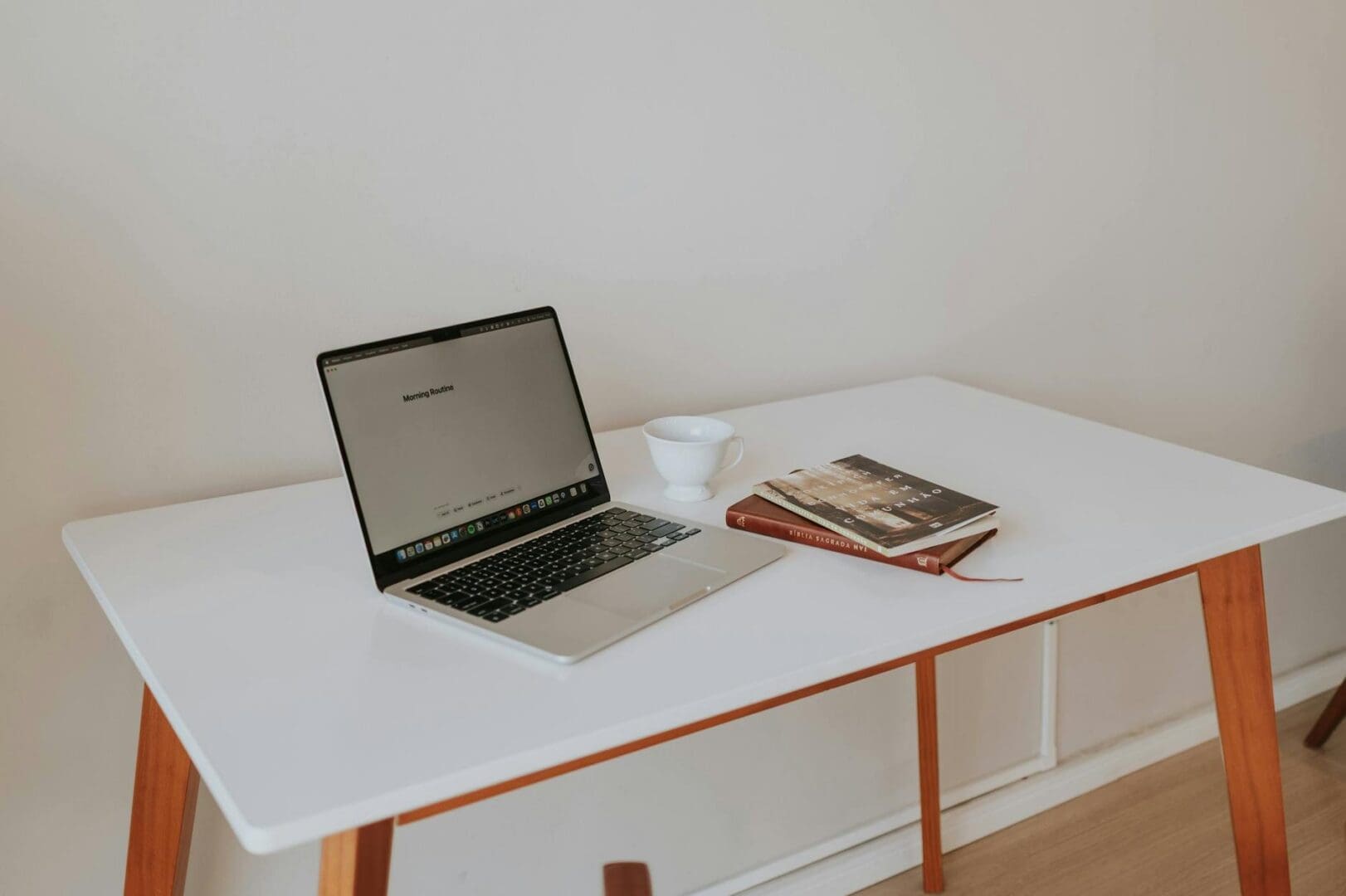
Your desk is the foundation of everything, and the right choice depends entirely on how you work. If you’re on video calls all day with minimal paperwork, a streamlined writing desk (48-60 inches wide) gives you just enough surface area without eating up floor space. Budget options start around $150-300, while solid wood desks with better construction run $400-800.
For multiple monitors or spreads of paperwork, look at L-shaped desks that give you separate zones for computer work and reference materials. These need more room (expect a 60×60-inch footprint minimum) but transform a corner into a surprisingly spacious workspace. Adjustable standing desks have come way down in price—manual crank versions start around $300, while electric models with memory settings run $500-1,200.
Pay attention to desktop thickness (anything under 1 inch tends to feel flimsy) and whether the desk includes cable management features like grommets or rear trays. These small details make a huge difference in daily use.
Don’t Compromise on Your Office Chair
If there’s one place to spend more than you planned, it’s your chair. You’re sitting here 40+ hours a week, and a $79 chair will remind you of that poor decision every single afternoon. Look for adjustable lumbar support, seat depth adjustment (not just height), and armrests that move up, down, and ideally side to side.
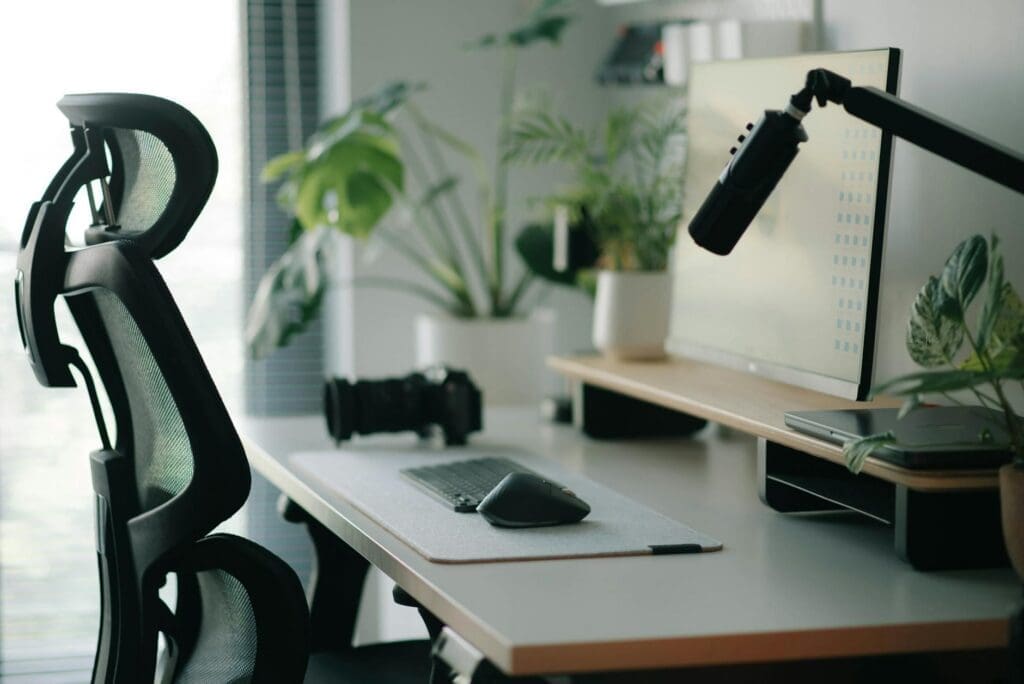
Mesh-back task chairs ($200-400) offer great breathability and support for most body types. Upholstered executive chairs ($350-700) provide more cushioning if you prefer that feel. The truly ergonomic options with advanced adjustments start around $500 and go up from there—but if you have back issues or sit for long stretches, that investment pays off quickly.
Test the seat width too. Many budget chairs are surprisingly narrow, which gets uncomfortable fast. You want at least 18-20 inches of seat width for all-day comfort.
Storage That Actually Keeps You Organized
Even if you’re mostly digital, you’ll accumulate stuff—notebooks, chargers, supplies, that pile of papers you swear you’ll file. Floating shelves above your desk ($30-80 per shelf) keep reference materials visible without taking up floor space. A small filing cabinet or drawer unit that slides under your desk ($80-200) handles the papers and supplies you need within reach.
Bookcases do double duty: they store your work materials and create a more professional-looking background for video calls. A 5-shelf unit runs $100-300 depending on material and finish. If your office shares space with a bedroom or living area, consider a storage credenza ($300-700) that looks like regular furniture but hides office clutter behind closed doors.
Lighting and Layout That Reduce Screen Fatigue
Position your desk perpendicular to windows when possible—facing them creates glare, while having them behind you casts your face in shadow on video calls. Add a desk lamp with adjustable brightness ($40-120) to supplement overhead lighting, particularly for late afternoon when natural light fades.
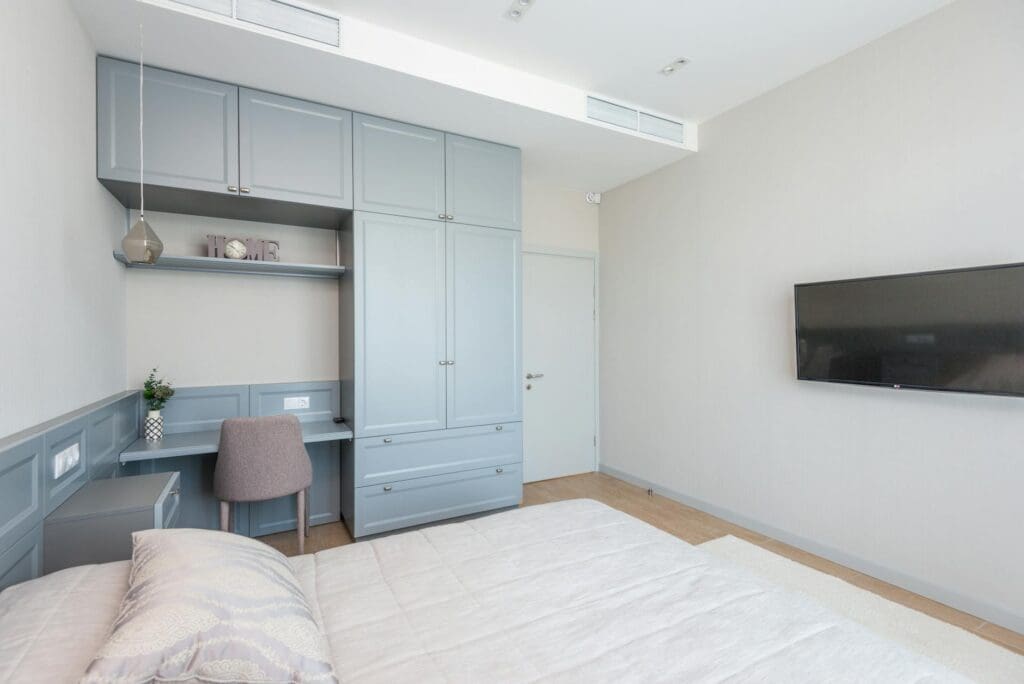
If you’re setting up in a bedroom or multipurpose space, a room divider or bookcase can create visual separation between work and living areas. Even a small rug under your desk area (5×7 feet) helps define the workspace and makes it feel intentional rather than improvised.
Leave at least 36 inches behind your chair so you can push back comfortably, and try to maintain 20-30 inches between your eyes and the monitor. These aren’t just ergonomic ideals—they’re the measurements that prevent that end-of-day headache.
Your home office should work as hard as you do. Start with a desk and chair that fit both your space and how you actually work, add storage that prevents clutter from taking over, and think about the room as a whole—not just the corner with your laptop. You’ll spend thousands of hours here, so choose pieces that make those hours more productive and a whole lot more comfortable.
Your home office deserves better than a jumble of mismatched shelves and that filing cabinet you’ve been meaning to replace. A storage wall unit can transform your workspace from chaotic to composed, giving you dedicated spots for books, supplies, tech equipment, and all those things that currently live in piles. The trick is finding one […]
If you’re drowning in papers, sticky notes, and file folders that haven’t been touched in months, you’re not alone. The promise of a paper-free office isn’t just about going digital—it’s about choosing furniture and storage solutions that support a cleaner, more organized way of working. The right setup makes it easier to maintain that clutter-free […]
Your back is telling you it’s time. After months of working from home in a dining chair or that hand-me-down seat from college, you’re ready to invest in a proper office chair. The good news? You don’t need to spend $800 on a Herman Miller to get real ergonomic support. The under-$300 market is packed […]