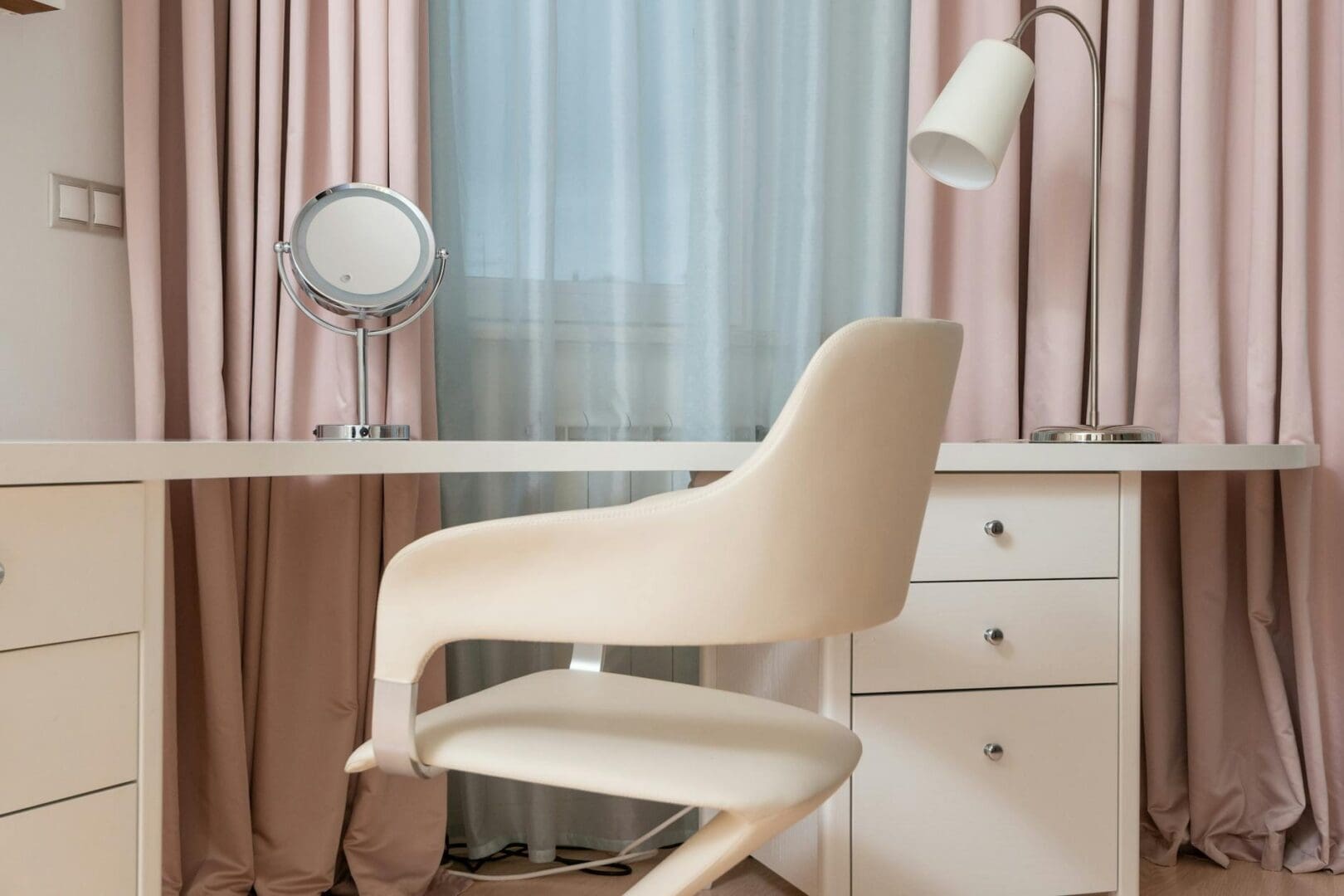
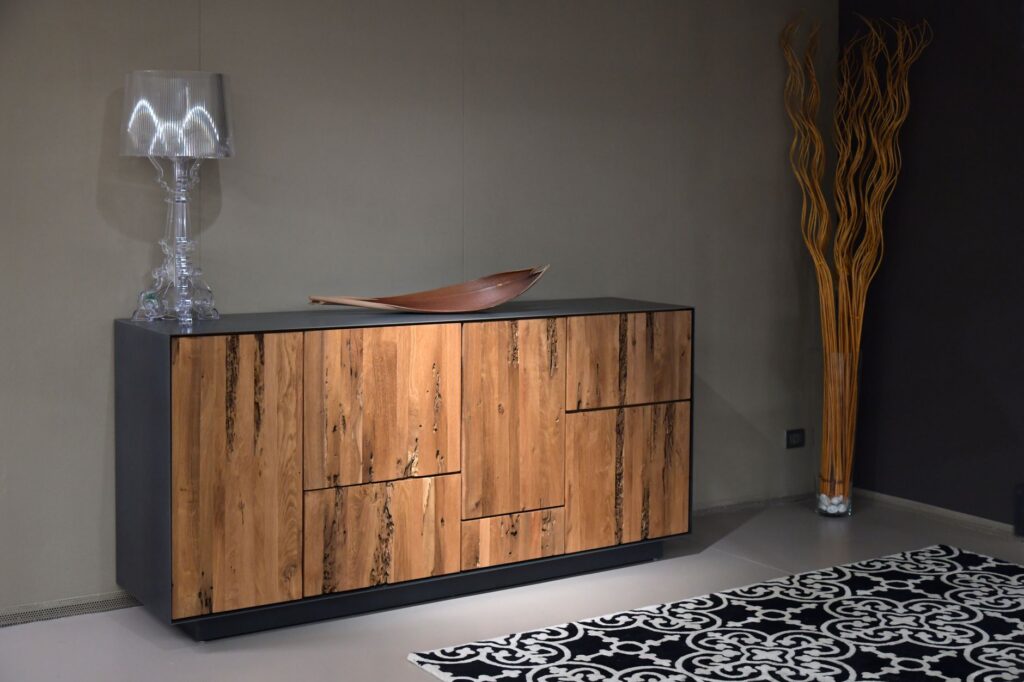
Working from home sounds idyllic until you’re trying to concentrate while the laundry beckons, your phone buzzes, and that uncomfortable chair reminds you it’s time for a break. Creating a truly focused workspace isn’t about willpower—it’s about setting up your environment to work with you, not against you. The right furniture and thoughtful design choices can make the difference between scattered productivity and genuine focus.
Define Your Workspace With Physical Boundaries
The biggest mistake remote workers make is treating their workspace as flexible. Your brain needs clear signals about when it’s time to focus, and physical boundaries provide exactly that. A dedicated desk is non-negotiable—working from your couch or kitchen table keeps you mentally in leisure mode.
Look for desks with built-in cable management systems to eliminate visual clutter. Writing desks start around $150-300 for basic models, while executive desks with drawers and organization features run $400-800. If space is tight, a wall-mounted fold-down desk ($200-400) creates a boundary without dominating your room.
Room dividers and bookcases work beautifully to section off workspace in shared areas. A solid bookcase positioned behind your desk creates both storage and a visual barrier, signaling to others (and yourself) that you’re in work mode. Open shelving units run $150-350, while substantial room dividers cost $200-600.
Choose Furniture That Supports Extended Focus
Discomfort is a major distraction that creeps up slowly. That dining chair might feel fine for 30 minutes, but three hours in, your aching back becomes all you can think about.
Ergonomic office chairs are investments in sustained concentration. Budget task chairs ($150-250) offer basic lumbar support and adjustability. Mid-range ergonomic chairs ($300-600) add features like adjustable armrests, seat depth, and better cushioning. High-end models ($700-1,200) from brands like Herman Miller or Steelcase provide superior support for all-day comfort, and many come with 10-year warranties.
Your desk height matters too. Standard desks sit at 29-30 inches, but if you’re particularly tall or short, this can cause strain. Adjustable-height desks ($300-800) let you alternate between sitting and standing, which helps maintain focus during long work sessions. Even a basic desktop riser ($50-150) can improve your setup significantly.
Control Visual and Auditory Distractions
Open sight lines to high-traffic areas or windows overlooking busy streets fragment your attention constantly. Position your desk facing a wall or quiet corner rather than a doorway or television.
Closed storage keeps visual noise contained. Filing cabinets ($100-300) and storage credenzas ($250-600) hide paperwork and supplies that would otherwise create mental clutter on open shelves. Desk hutches add closed storage directly in your workspace without requiring additional floor space.
For sound control, upholstered furniture absorbs ambient noise. A comfortable reading chair with fabric upholstery in your office dampens echoes and provides an alternative spot for reviewing documents. Fabric acoustic panels ($50-150 for a set) can be mounted behind your desk if noise is a persistent issue.
Window treatments matter more than you might think. Blackout curtains or cellular shades ($40-150 per window) control glare on your screen and reduce outside visual distractions without making your space feel like a cave.
Minimize Tech Clutter and Digital Interruptions
Cable chaos isn’t just unsightly—it’s a constant low-level stressor. Desks with built-in grommets and cable channels keep cords contained. If your current desk lacks these, add a cable management tray ($20-40) underneath or use cable clips ($10-15) along the back edge.
Monitor arms ($80-200) elevate screens to proper eye level while freeing up desk surface, making your workspace feel less cramped and cluttered. Laptop stands ($30-80) serve the same purpose and encourage better posture.
Consider furniture that doesn’t accommodate extra devices. A streamlined desk with minimal surface area naturally limits how many distractions you can keep within reach. Sometimes the best organizational tool is simply less space for stuff to accumulate.
Creating a distraction-free home office comes down to intentional choices about the furniture and layout that shape your daily experience. Start with the foundations—a proper desk and supportive chair—then layer in storage and positioning that eliminate the small annoyances that break your concentration. Your workspace should make focus the path of least resistance, not a constant battle against your surroundings.
You need more storage in your living room, but a bulky bookcase feels too heavy and floating shelves aren’t cutting it. A credenza might be exactly what you’re looking for—it’s that low-profile cabinet that gives you tons of hidden storage while creating a beautiful surface for lamps, plants, and the things you actually want to […]
If you’ve been hitting snooze repeatedly or dragging yourself out of bed feeling groggy, you’re not alone. Waking up to a jarring alarm in a dark room works against your body’s natural rhythms, especially during winter months. A sunrise alarm clock mimics natural dawn, gradually filling your room with light to ease you awake. But […]
Waking up at 3 a.m. with a sweaty neck and flipping your pillow to the cool side for the fourth time isn’t just annoying—it’s robbing you of quality sleep. If you’re a hot sleeper, your pillow might be trapping heat against your head and neck all night long. The good news? The right cooling pillow […]