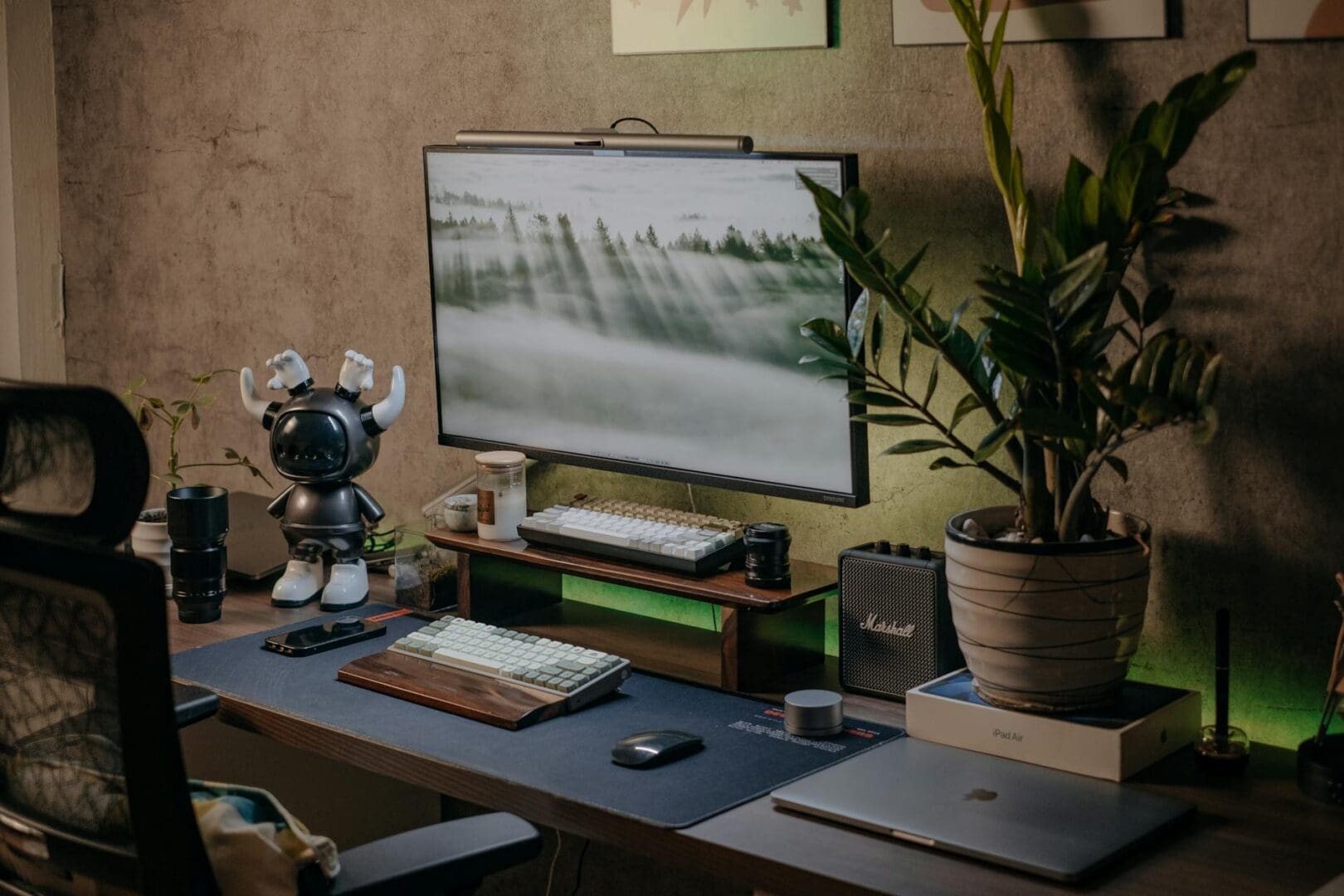
You’re two minutes into an important video call when you notice what everyone else is seeing: the unmade bed behind you, cluttered shelves, or that awkward blank wall that makes you look like you’re calling from a witness protection program. Your home office might work fine for focused work, but the moment that camera turns on, it becomes your professional backdrop—and it’s worth getting right.
The good news? You don’t need a complete room makeover. With some strategic furniture placement and thoughtful styling, you can create a home office corner that looks polished and put-together on screen, even if the rest of your space is organized chaos.
Choose the Right Desk Position and Background
Your desk placement matters more on video than it does for daily work. Position your desk so you’re facing a wall rather than a window—backlighting from windows makes you look like a shadowy silhouette, which isn’t the professional vibe you’re going for. If you’re stuck with a window behind you, invest in blackout curtains or sheer panels you can close during calls.
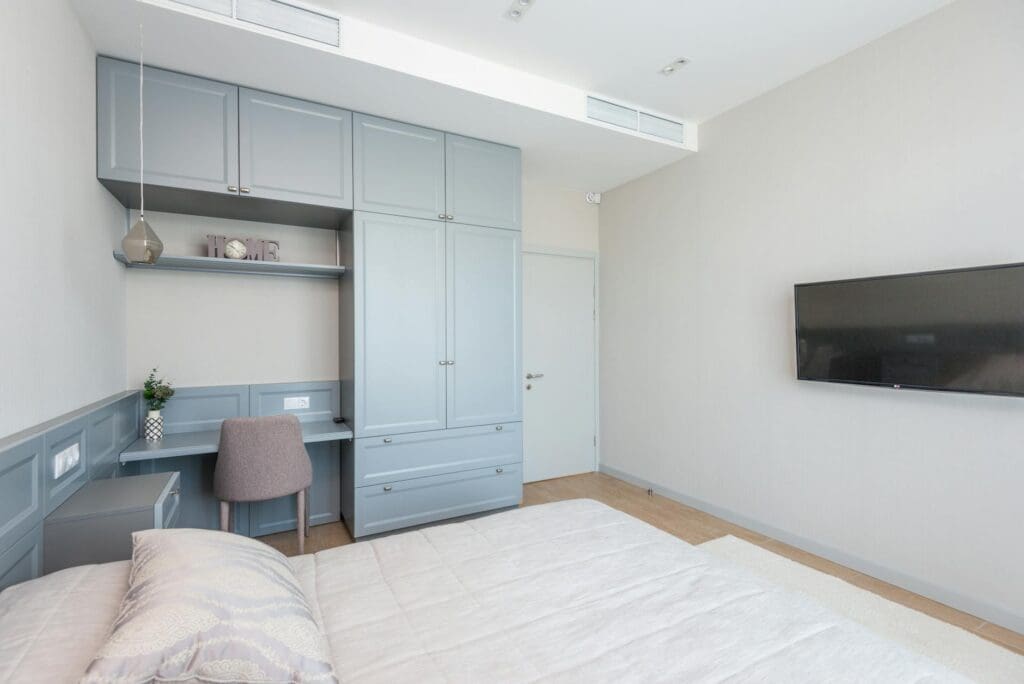
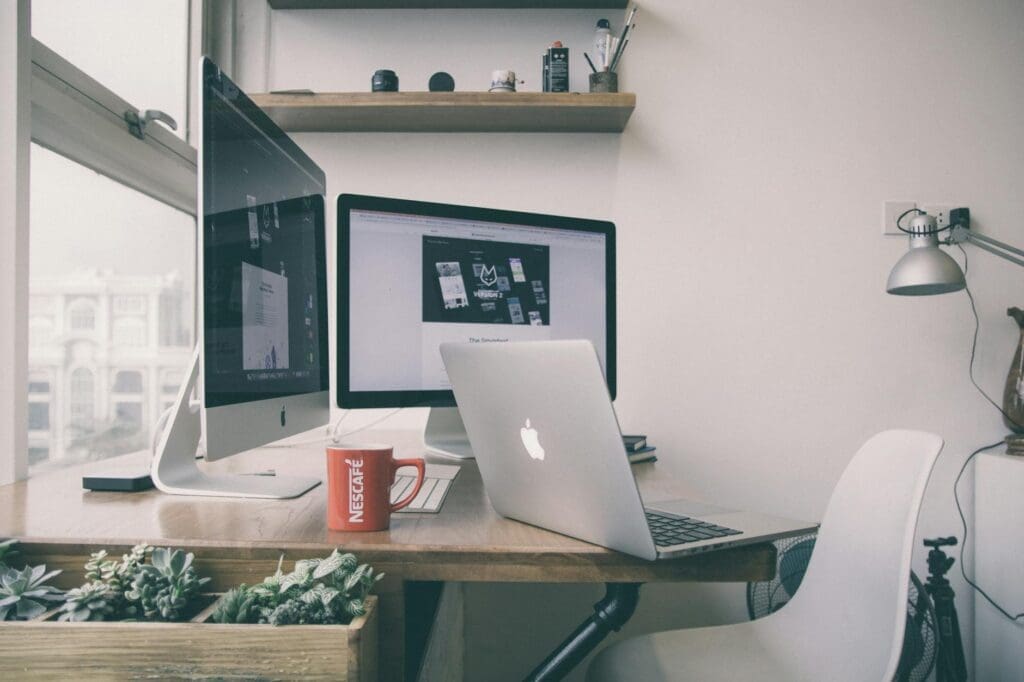
What appears in your background frame is equally important. A credenza, bookshelf, or console table positioned 4-6 feet behind you creates visual depth without overwhelming the shot. Floating shelves at eye level work beautifully for smaller spaces. Look for pieces in warm wood tones or matte black finishes—they photograph well and don’t create distracting glare. Budget options start around $80-150 for basic floating shelves, while quality bookcases and credenzas range from $300-800, with premium solid wood pieces reaching $1,200 and up.
Layer in Purposeful Styling Elements
An empty bookshelf screams “I staged this,” but a cluttered one reads as chaotic. The sweet spot is curated but lived-in. Mix books (standing and stacked) with 3-5 decorative objects that add visual interest without looking like a tchotchke explosion. Plants are your secret weapon here—a medium-sized potted plant or two smaller ones add life and texture that translates beautifully on camera.
Choose objects with varying heights and textures: a sculptural vase, a small table lamp, framed artwork, or decorative boxes. Avoid anything too personal (family photos can be distracting) or anything with text that will appear backwards on screen. Stick to a cohesive color palette—neutrals with one or two accent colors keep things professional. Decorative objects typically run $15-60 each, while quality artificial plants (if you lack a green thumb) range from $30-100.
Get Your Lighting Right
Overhead lighting alone creates unflattering shadows that make you look tired, even when you’re not. A desk lamp positioned to the side of your monitor helps, but the real game-changer is a dedicated light source in front of you. Ring lights ($40-120) have become popular for good reason, though some people find them too intense for all-day use.
A more subtle approach: place a table lamp or LED panel light on your desk or a nearby surface, angled to illuminate your face without creating glare on your screen. Warm white bulbs (2700-3000K) are more flattering than cool white. If you’re investing in your setup, adjustable arm lamps ($60-200) give you flexibility to direct light exactly where you need it. Professional-grade LED panels designed for video run $150-400 but offer superior color rendering.
Consider Your Chair as Part of the Frame
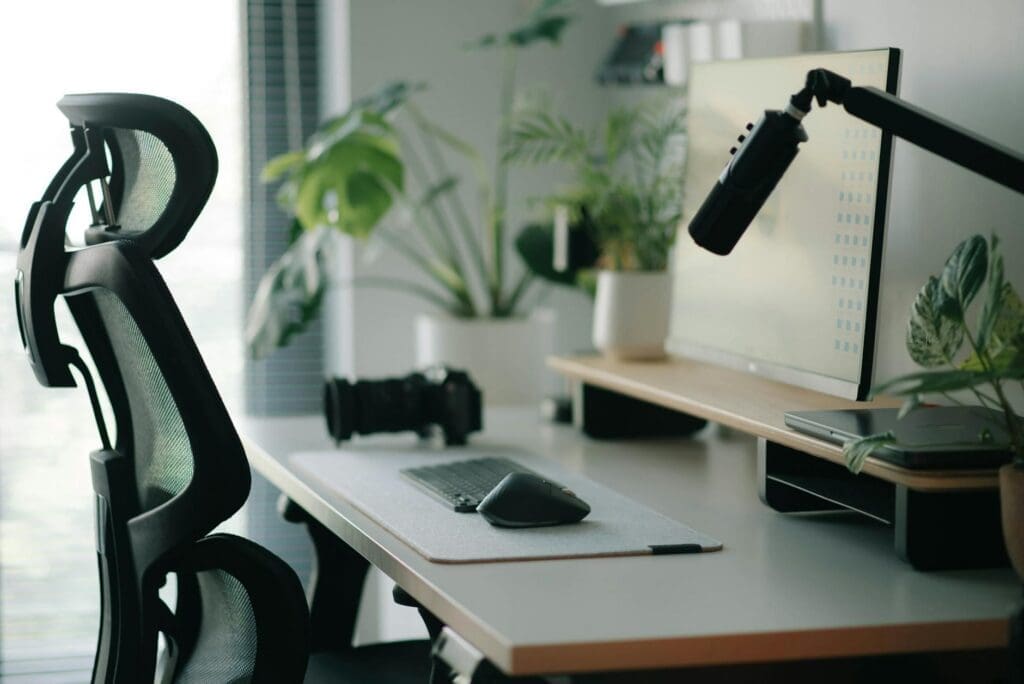
Your office chair might not seem like a visual element, but it appears in every single call. An ergonomic mesh chair in black or gray looks intentional and professional. Mid-century modern desk chairs in leather or fabric add warmth and personality without being distracting. Skip chairs with busy patterns, bright colors, or that gaming chair aesthetic—they pull focus from you to your furniture.
Budget task chairs start around $150-250, mid-range ergonomic options run $300-600, and high-end office chairs reach $800-1,400. Whatever your budget, choose something that looks as good as it feels, because it’s in the frame whether you planned for it or not.
Creating a professional home office backdrop isn’t about perfection—it’s about being intentional with what appears on screen. Start with proper desk positioning and lighting, add one good background piece like a bookshelf or credenza, style it thoughtfully with a few well-chosen objects, and you’re already miles ahead of the unmade bed crowd. Your video presence is part of your professional image now, and the right furniture and styling make that easier to nail every single time.
Your home office deserves better than a jumble of mismatched shelves and that filing cabinet you’ve been meaning to replace. A storage wall unit can transform your workspace from chaotic to composed, giving you dedicated spots for books, supplies, tech equipment, and all those things that currently live in piles. The trick is finding one […]
If you’re drowning in papers, sticky notes, and file folders that haven’t been touched in months, you’re not alone. The promise of a paper-free office isn’t just about going digital—it’s about choosing furniture and storage solutions that support a cleaner, more organized way of working. The right setup makes it easier to maintain that clutter-free […]
Your back is telling you it’s time. After months of working from home in a dining chair or that hand-me-down seat from college, you’re ready to invest in a proper office chair. The good news? You don’t need to spend $800 on a Herman Miller to get real ergonomic support. The under-$300 market is packed […]