Setting up a productive home office means making smart choices about your workspace, and few decisions impact your daily comfort quite like choosing between a desktop and laptop. Both have their place in a well-designed home office, but the right choice depends on how you work, how much space you have, and what you need from your setup.
Space and Desk Configuration
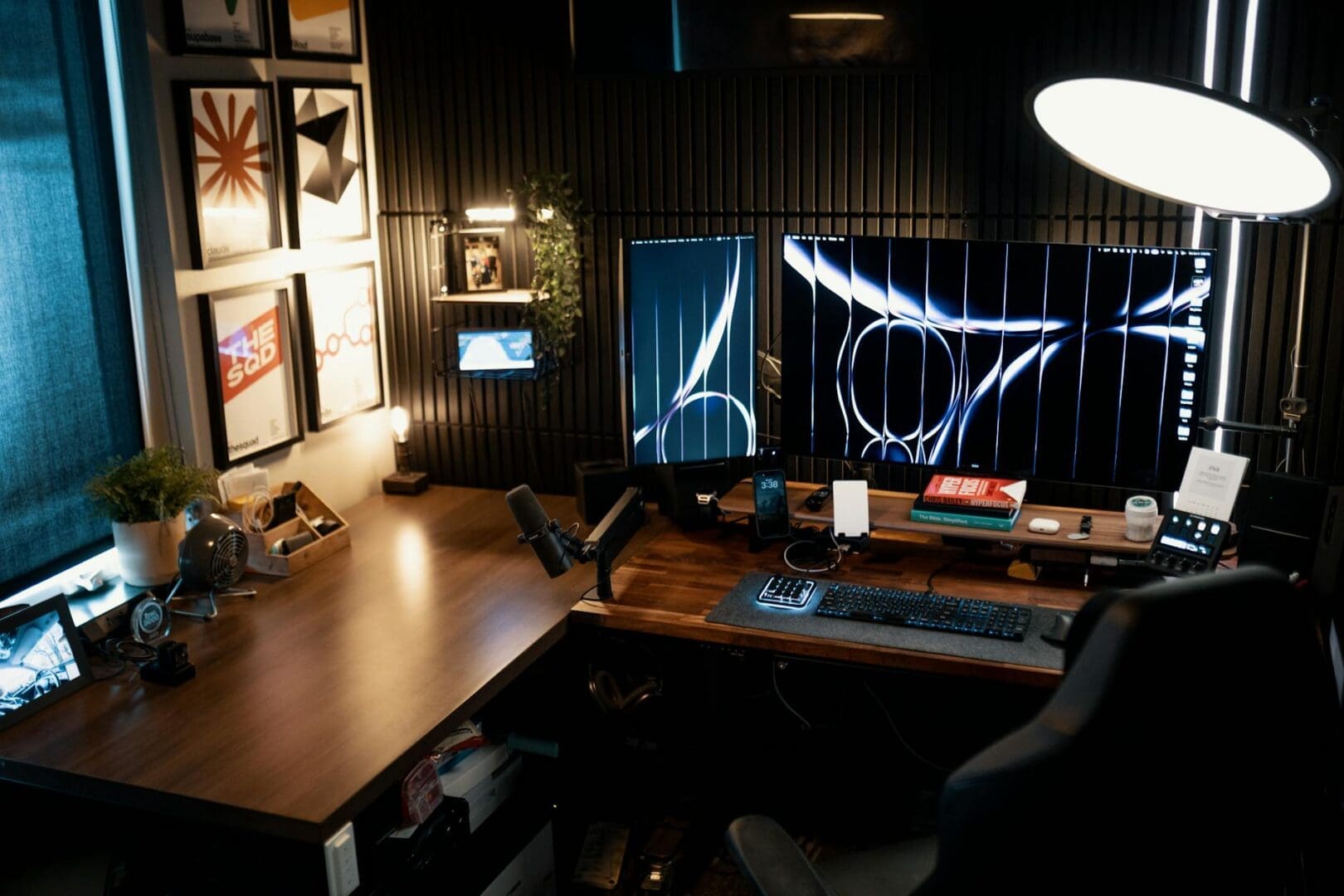
Your available space should be one of your first considerations. Desktop computers require a dedicated workspace with room for a monitor (or two), tower or all-in-one unit, keyboard, and mouse. You’ll need a desk that’s at least 48 inches wide for a comfortable single-monitor setup, and ideally 60 inches or more if you’re planning dual monitors. The upside? Once it’s set up, everything has its place, and you can invest in proper ergonomic positioning.
Laptops obviously take up less real estate—you can work from a compact writing desk as small as 36 inches wide. But here’s what many people discover after a few months of daily use: working hunched over a laptop on a small desk gets uncomfortable fast. If you go the laptop route and plan to use it as your primary machine, budget for a laptop stand, external keyboard, and mouse. You’ll end up using nearly as much desk space as a desktop setup, but you’ll gain flexibility to work elsewhere when needed.
Performance Needs and Budget Considerations
Desktops deliver more processing power per dollar spent, and that gap is significant. A $800 desktop will outperform a $1,200 laptop in most tasks. If your work involves video editing, graphic design, data analysis, or running multiple demanding programs simultaneously, a desktop makes financial sense. You’ll also find upgrading components like RAM or storage is straightforward and affordable with desktop systems.
Laptops command a premium for portability. Expect to pay 30-50% more for equivalent performance in a laptop form factor. Budget laptops ($500-800) work fine for email, web browsing, and word processing. Mid-range options ($900-1,500) handle most professional tasks comfortably. High-performance laptops for creative work start around $1,800 and climb quickly from there.
Consider this: if you rarely work outside your home office, that portability premium might not deliver much value. But if you move between rooms, travel for work, or just appreciate the option to work from your couch occasionally, the flexibility might justify the extra cost.
Ergonomics and Long-Term Comfort
This is where desktops shine. You can position your monitor at the perfect height (top of the screen at or slightly below eye level), place your keyboard at the right distance, and arrange everything to support good posture. Your desk height matters here too—most standard desks sit at 29-30 inches, which works for many people, but adjustable-height desks (ranging from $300 for electric models to $150 for manual crank versions) let you fine-tune your setup.
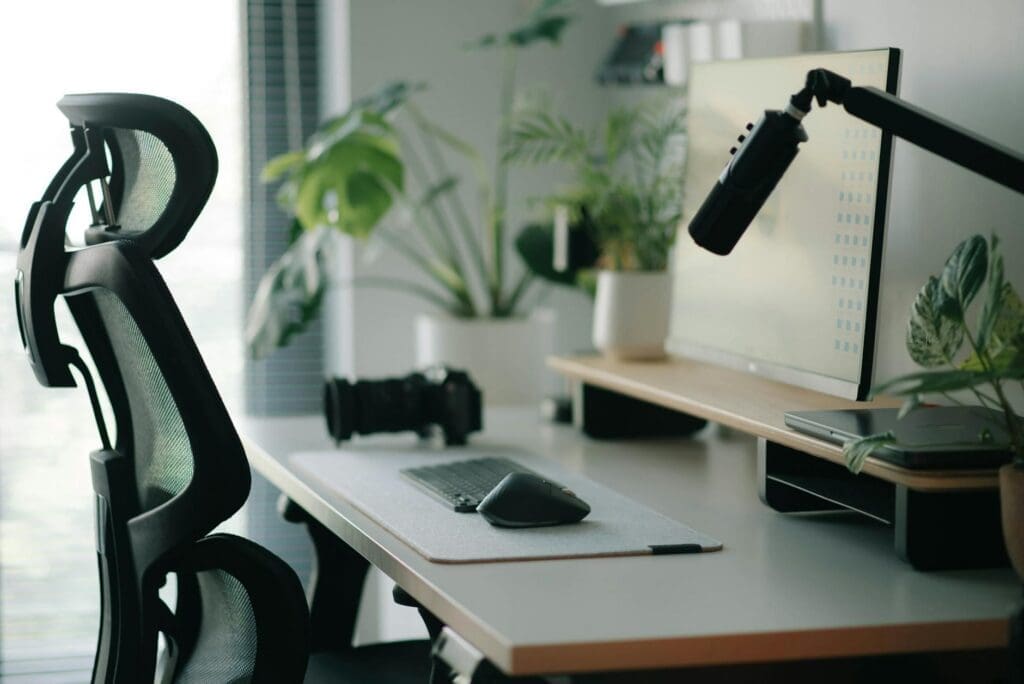
Laptop screens force compromises. When the screen is at the right height, the keyboard isn’t. When the keyboard is positioned well, you’re looking down at the screen. That’s why ergonomics experts consistently recommend using laptops with external monitors, keyboards, and mice for full-time desk work—which brings you right back to a desktop-like footprint and additional costs of $200-400 for quality peripherals.
The Hybrid Approach
Many home office setups benefit from a middle path: a laptop that lives in a docking station on your desk. Modern docking stations ($150-300) let you connect external monitors, keyboard, mouse, and other peripherals with a single cable. You get desktop-quality ergonomics when you’re working at your desk, but you can grab your laptop for meetings, travel, or working from other rooms.
This approach costs more upfront—you’re paying for a capable laptop plus accessories—but it delivers genuine flexibility. It’s worth considering if you value options or if your work situation might change.
Your home office should work for your actual daily routine, not an idealized version of it. If you consistently work at the same desk for focused, demanding tasks, a desktop gives you better performance and ergonomics for less money. If you need mobility or work from multiple locations, invest in a quality laptop and the accessories to make it comfortable for extended use. Either way, choose based on how you really work, not how you imagine you might work someday.
Your home office deserves better than a jumble of mismatched shelves and that filing cabinet you’ve been meaning to replace. A storage wall unit can transform your workspace from chaotic to composed, giving you dedicated spots for books, supplies, tech equipment, and all those things that currently live in piles. The trick is finding one […]
If you’re drowning in papers, sticky notes, and file folders that haven’t been touched in months, you’re not alone. The promise of a paper-free office isn’t just about going digital—it’s about choosing furniture and storage solutions that support a cleaner, more organized way of working. The right setup makes it easier to maintain that clutter-free […]
Your back is telling you it’s time. After months of working from home in a dining chair or that hand-me-down seat from college, you’re ready to invest in a proper office chair. The good news? You don’t need to spend $800 on a Herman Miller to get real ergonomic support. The under-$300 market is packed […]