You know that person on the Zoom call who always looks crisp, professional, and somehow glowing? It’s not expensive cameras or fancy filters—it’s almost always the lighting. If you’re tired of looking washed out, shadowy, or like you’re calling from a cave, the right desk lamp or floor lamp can completely transform how you appear on screen. Let’s talk about what actually works.
The Basic Setup: Where Light Should Come From
The golden rule for video call lighting is simple: light should come from in front of you, not behind or directly above. That overhead ceiling fixture? It’s creating shadows under your eyes and making you look exhausted. That window behind you? It’s turning you into a silhouette.
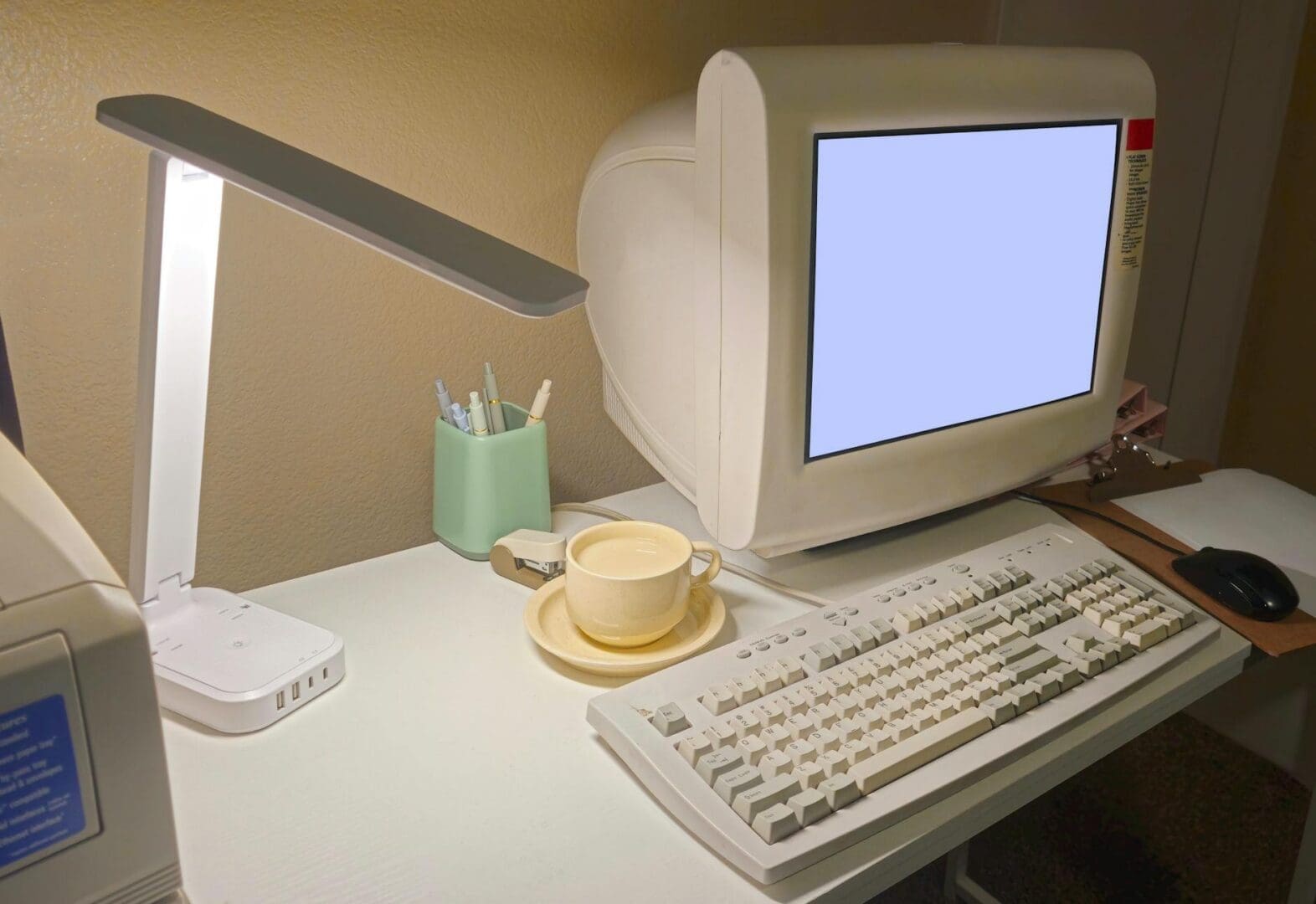
The ideal setup places your main light source at eye level or slightly above, positioned just behind your screen. This mimics natural daylight hitting your face straight-on and eliminates unflattering shadows. If you’re setting up a permanent workspace, consider a desk lamp with an adjustable arm that you can position at various heights and angles. Look for lamps that can sit to the side of your monitor rather than taking up valuable desk real estate directly in front of you.
Many people swear by the three-point lighting setup used in photography: a key light in front, a fill light to soften shadows on the opposite side, and a back light for dimension. But honestly, one good lamp positioned correctly will solve 90% of your problems.
Color Temperature Matters More Than You Think
Here’s where most people go wrong: they grab whatever bulb is handy without checking the color temperature. Measured in Kelvin, this determines whether light looks warm (yellowish), cool (bluish), or neutral.
For video calls, you want bulbs in the 3000K to 5000K range—roughly “bright white” or “daylight” on most packaging. Anything lower looks too yellow and muddy on camera, while anything higher can make you look washed out or sickly. The sweet spot for most people is around 4000K, which mimics natural daylight and makes skin tones look healthy and true-to-life.
LED bulbs are your friend here because they don’t heat up your workspace and they’re dimmable. Look for bulbs with a high CRI (Color Rendering Index) of 90 or above—this measures how accurately colors appear under the light. Budget options start around $15 for a quality LED bulb, while premium versions run $30-50.
Lamp Styles That Work Best for Video Calls
Not all lamps are created equal for on-camera use. Here’s what actually performs well:
Swing-arm desk lamps: The adjustability is crucial. Look for models with a weighted base and a reach of at least 30 inches. Expect to spend $40-80 for decent quality, or $150+ for architect-style designs that double as statement pieces.
Ring lights: Yes, they’re associated with influencers, but there’s a reason. The circular design creates even, shadowless light. Smaller desktop versions (10-12 inches) run $25-60 and clip right onto your monitor.
Panel lights: These flat, diffused LED panels give soft, professional lighting without glare. They’re pricier ($80-200) but offer the most natural-looking results.
Tall floor lamps with adjustable heads: If desk space is tight, a floor lamp positioned beside your workspace works beautifully. Look for models with side-facing or downward-angling heads rather than traditional upward-facing shades.
Avoid lamps with exposed bulbs or deeply colored shades—both create harsh lighting or color casts that cameras amplify. Simple white or translucent shades diffuse light most effectively.
Getting the Position and Brightness Right
Once you have the right lamp, placement is everything. Position your light source about arm’s length away and slightly off to one side—not dead center, which can look flat. The light should be at eye level or just above, angled downward about 10-15 degrees.
If you’re using two lights, place one on either side of your screen, with the main light slightly brighter. This fills in shadows without the dramatic look of single-source lighting. Dimmable lamps give you control to adjust brightness based on time of day and natural light in your space.
Test everything with your actual video call software before an important meeting. What looks good to your eye might still read too dark or too bright on camera. Take a few screenshots and adjust accordingly—subtle changes in angle and distance make a surprising difference.
The right lighting setup doesn’t just make you look better on camera—it reduces eye strain and makes those back-to-back video calls less exhausting. Whether you start with a single adjustable desk lamp or invest in a complete three-point setup, prioritize positioning and color temperature over fancy features. Your coworkers will notice the difference, even if they can’t quite put their finger on why you suddenly look so much more professional.
There’s nothing quite like settling in for movie night at home, but harsh overhead lighting can ruin the whole experience. Too bright, and you’re squinting at a washed-out screen. Too dark, and you’re fumbling for the remote or straining your eyes. Getting your living room lighting right for movie watching isn’t complicated—it just takes the […]
You probably reach for your phone to change the temperature, lock your doors, or check who’s at the front door—so why are you still walking across the room to flip light switches? Smart lighting transforms your living room from a space with basic on-off switches into one that adapts to movie nights, dinner parties, reading […]
A chandelier can transform your living room from ordinary to unforgettable, but choosing the wrong size or style can throw off your entire space. Unlike task lighting that quietly does its job, a chandelier makes a statement—which means getting it right matters. Whether you’re working with vaulted ceilings or a cozy 10×12 room, here’s how […]