If you’re dealing with a sore neck, aching lower back, or tingling wrists after a day at your home desk, your workspace is trying to tell you something. The good news? Creating an ergonomic home office isn’t about buying the most expensive furniture—it’s about understanding how your body works and choosing pieces that support you through those long work sessions.
Start With a Chair That Does the Heavy Lifting
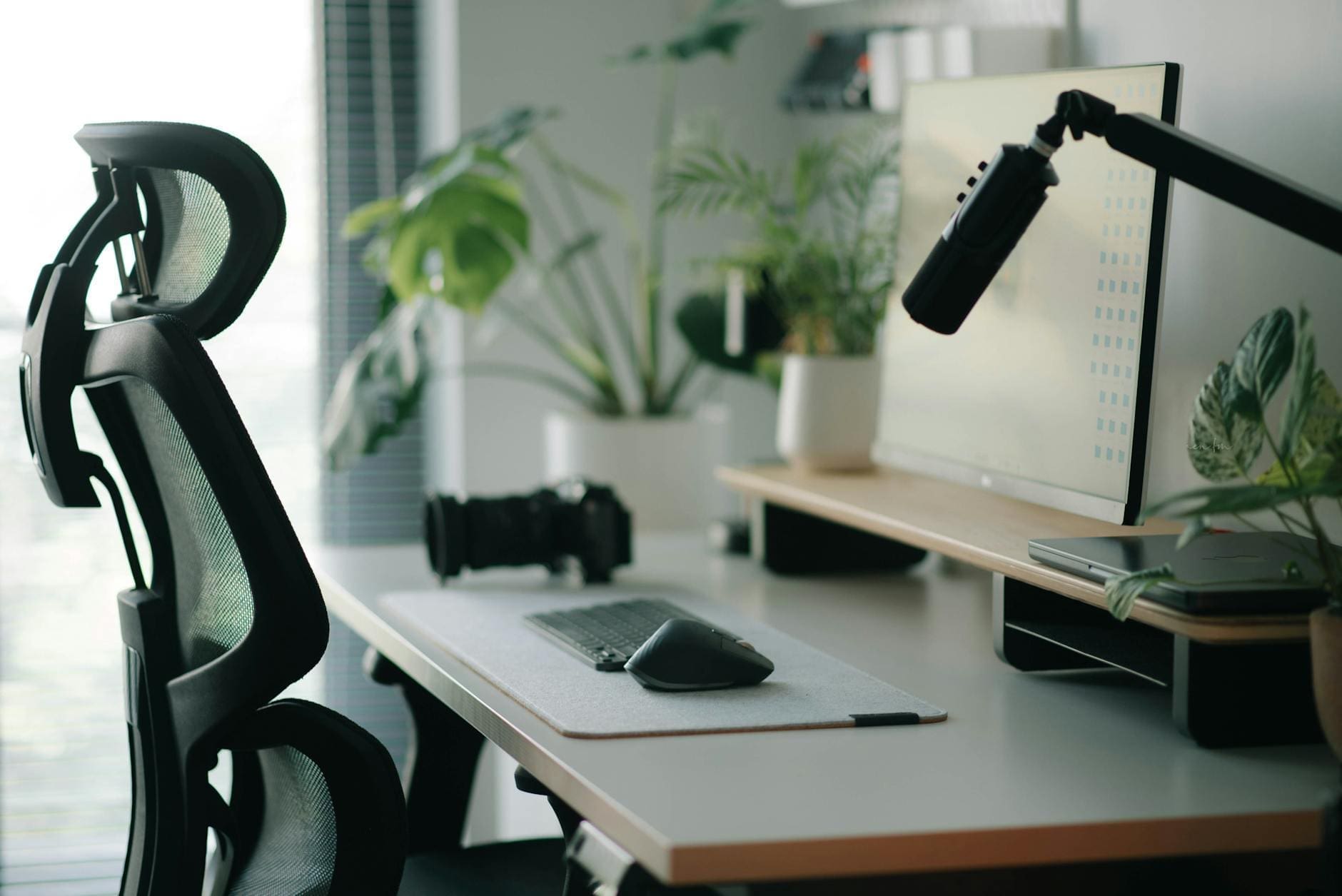
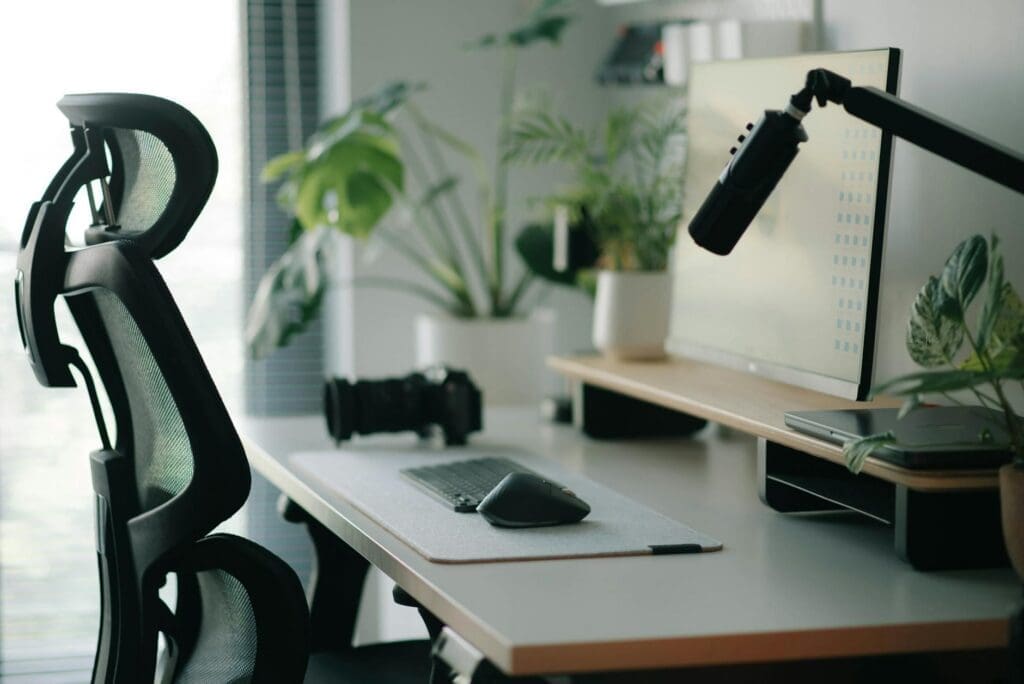
Your office chair is the single most important ergonomic investment you’ll make. A proper ergonomic chair should have adjustable seat height, lumbar support that fits the natural curve of your lower back, and armrests that let your shoulders relax while keeping your elbows at a 90-degree angle.
Look for chairs with these key features:
Seat depth adjustment so there’s about 2-4 inches between the seat edge and the back of your knees
Lumbar support that adjusts both up-and-down and in-and-out
Breathable mesh or cushioned fabric that won’t make you sweaty after an hour
A recline function with adjustable tension to encourage movement throughout the day
Budget options start around $150-250 and offer basic adjustability. Mid-range chairs in the $400-700 range typically include better lumbar support and durability. Splurge-worthy options from $800-1,500 bring commercial-grade construction and extensive customization that can last 10+ years.
Get Your Desk Height and Setup Right
Even the best chair won’t help if your desk height forces you into awkward positions. When you’re seated, your elbows should rest at roughly 90 degrees with your forearms parallel to the floor. For most people, that means a desk height between 28-30 inches for traditional sitting desks.
Standing desks and sit-stand converters have become popular for good reason—alternating between sitting and standing reduces the strain of staying in one position all day. Electric standing desks range from $400 for basic models to $1,200+ for sturdy options with memory presets. Desktop converters offer a budget-friendly alternative at $150-400 if you’re not ready to replace your entire desk.
Whatever desk you choose, make sure it’s deep enough (at least 24-30 inches) to position your monitor at arm’s length away. This distance prevents you from craning your neck forward, which is one of the biggest culprits behind end-of-day headaches.
Position Your Monitor and Keyboard Properly
Your monitor should sit so the top of the screen is at or slightly below eye level, about 20-28 inches from your face. If you’re using a laptop as your main screen, you’ll need a separate keyboard and mouse so you can elevate the laptop on a stand—otherwise, you’re stuck choosing between hunching your neck or raising your shoulders.
Monitor arms (around $80-200) give you the flexibility to adjust screen height and angle throughout the day, and they free up valuable desk space. For dual monitor setups, position the screens so you’re not constantly twisting your neck to one side.
Your keyboard should sit flat or at a slight negative tilt, close enough that your elbows stay near your body. Ergonomic keyboards with a split design or tenting options run $60-150 and can significantly reduce wrist strain if you’re experiencing discomfort with a standard keyboard.
Don’t Forget the Supporting Cast
A few smaller additions round out an ergonomic setup. A footrest ($20-50) helps if your feet don’t rest flat on the floor when your chair is at the right height. An anti-fatigue mat ($40-100) makes standing time more comfortable if you’re using a standing desk.
Good lighting matters too—position your desk to avoid glare on your screen, and add a desk lamp with adjustable brightness to reduce eye strain. Task lighting typically costs $30-150 depending on features and design.
Building an ergonomic home office is really about creating a space where your body can work comfortably for hours without paying for it later. Start with the chair and desk height, add proper monitor positioning, and fill in the gaps with accessories that address your specific pain points. Your neck, back, and wrists will thank you—and you might be surprised how much more focused you feel when your body isn’t fighting your furniture all day.
Your home office deserves better than a jumble of mismatched shelves and that filing cabinet you’ve been meaning to replace. A storage wall unit can transform your workspace from chaotic to composed, giving you dedicated spots for books, supplies, tech equipment, and all those things that currently live in piles. The trick is finding one […]
If you’re drowning in papers, sticky notes, and file folders that haven’t been touched in months, you’re not alone. The promise of a paper-free office isn’t just about going digital—it’s about choosing furniture and storage solutions that support a cleaner, more organized way of working. The right setup makes it easier to maintain that clutter-free […]
Your back is telling you it’s time. After months of working from home in a dining chair or that hand-me-down seat from college, you’re ready to invest in a proper office chair. The good news? You don’t need to spend $800 on a Herman Miller to get real ergonomic support. The under-$300 market is packed […]