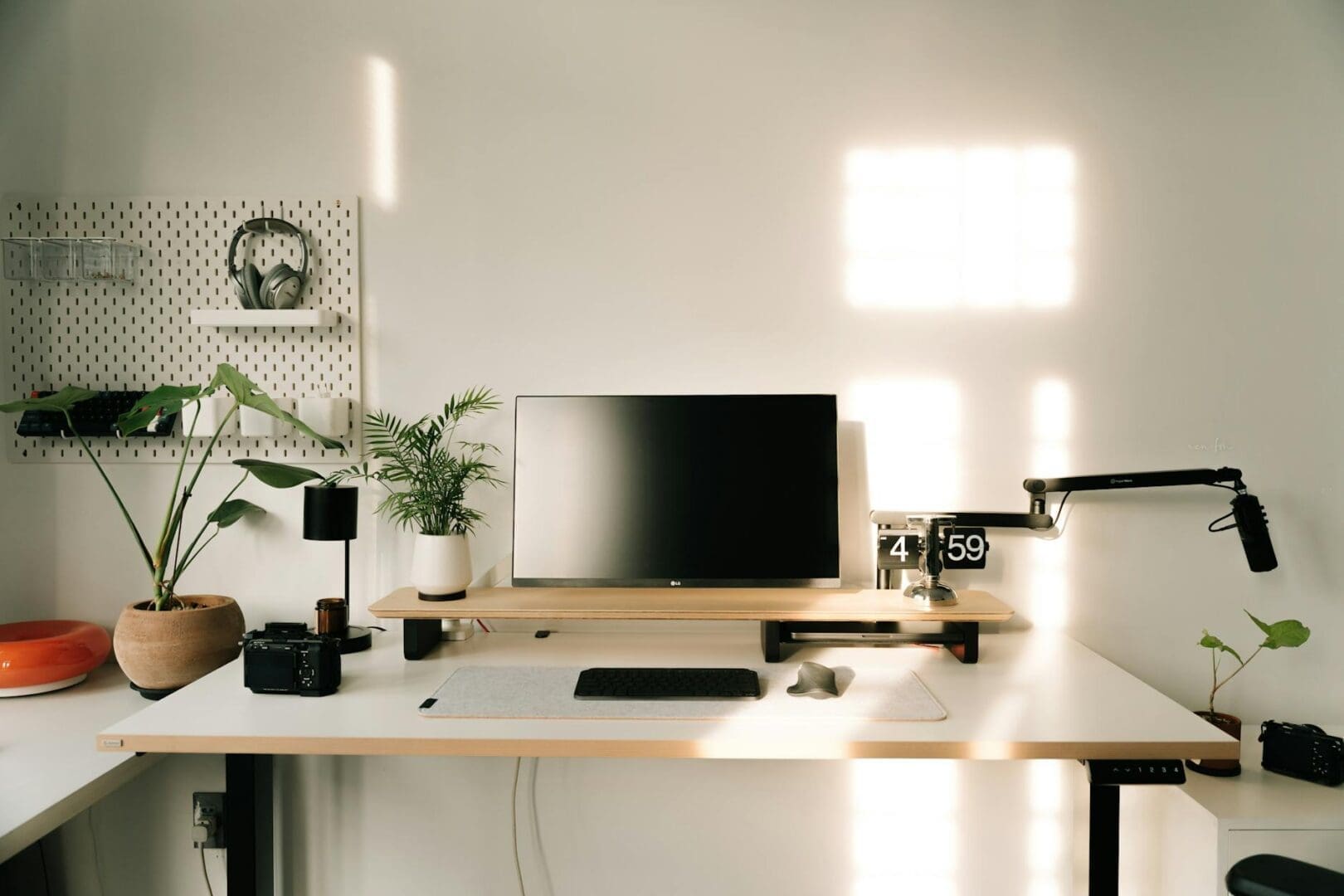
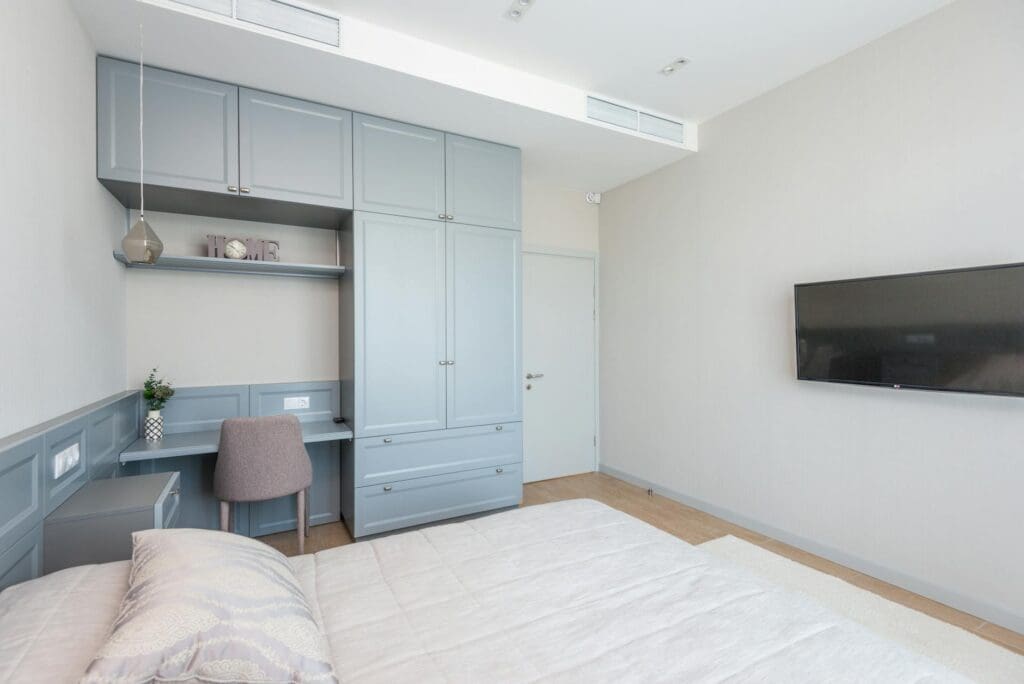
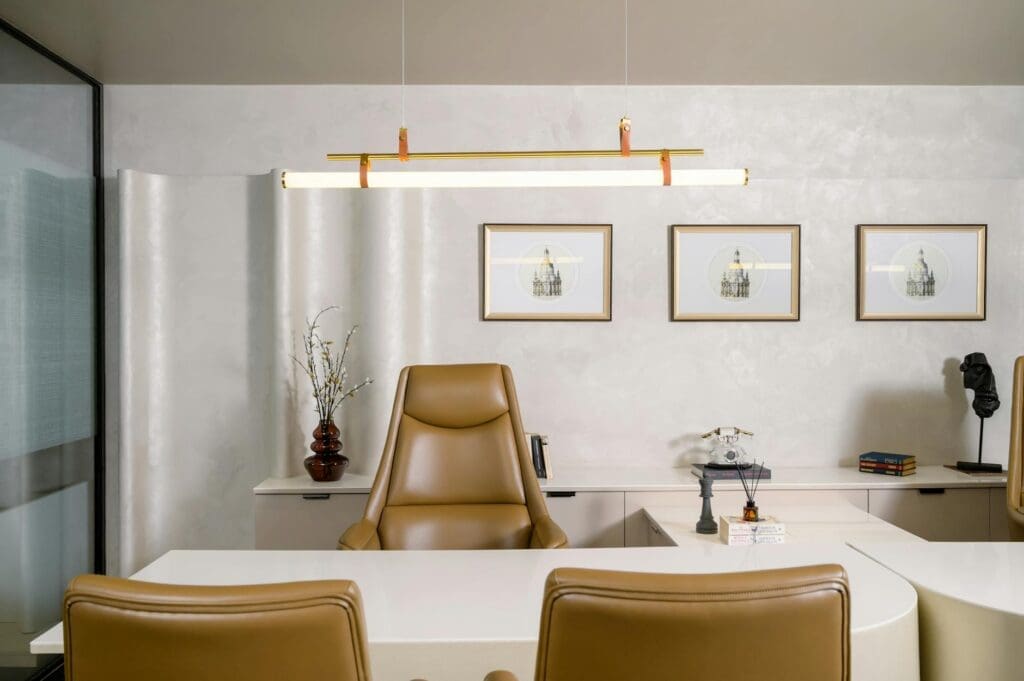
A minimalist desk setup isn’t about deprivation—it’s about creating a workspace that helps you focus without visual clutter getting in the way. If you’re tired of wrestling with cable tangles, stacks of paper, and that “where did I put that?” feeling, a more intentional approach to your desk can make work feel surprisingly easier. The key is choosing the right pieces and being honest about what you actually use every day.
Start With the Right Desk
Your desk sets the foundation for everything else. For a true minimalist setup, look for clean-lined designs without excessive drawers or shelving—those tend to become clutter magnets anyway. A simple rectangular or L-shaped desk with a smooth surface gives you workspace without visual noise.
Size matters more than you might think. Measure your space and consider what you’ll actually be doing. A 48-inch wide desk works well for laptop-only setups, while dual monitor users typically need 60 inches or more. Depth should be at least 24 inches to give you comfortable arm space and room for a monitor at proper viewing distance.
Material-wise, solid wood desks in light oak or walnut offer warmth without busyness, typically running $300-$800 for quality pieces. Powder-coated steel frames with laminate tops hit the $150-$400 range and clean up easily. Glass tops look sleek but show every fingerprint—only go this route if you’re genuinely committed to daily wiping.
Storage That Actually Hides Things
The minimalist look falls apart the moment you’ve got pens, chargers, and notebooks scattered across your desk. The solution isn’t eliminating storage—it’s making it invisible or extremely intentional.
A desk with a single deep drawer keeps everyday items accessible but out of sight. If your desk doesn’t have built-in storage, a small filing cabinet or credenza positioned nearby (not on the desk) maintains the clean surface while keeping supplies within reach. Look for pieces in the same finish as your desk to create a cohesive look.
Desktop organizers can work, but choose carefully. A single wooden or metal tray corrals pens and small items without adding visual clutter. Avoid multi-compartment plastic organizers—they’re the opposite of minimalist. Budget around $20-$60 for a quality desktop organizer, or $200-$600 for a complementary storage cabinet.
Managing Technology and Cables
Nothing undermines a minimalist aesthetic faster than a tangle of charging cables and power strips. This is where a little planning saves a lot of frustration.
Cable management boxes ($15-$30) hide power strips and excess cord length in a streamlined container. Adhesive cable clips ($8-$15 for a pack) route cables along the underside of your desk or down the legs. If you’re handy, desks with built-in cable management grommets make the cleanest setup, though you’ll pay a premium ($400+).
For your actual tech, less is genuinely more. A laptop on a simple stand looks cleaner than a desktop tower. If you need an external monitor, choose one with thin bezels and a minimalist stand. Wireless keyboards and mice eliminate two more cables, and they’ve become reliable enough that connectivity issues are rare. A small desk lamp with a slim profile provides task lighting without taking up mental space—look for LED options with adjustable arms in the $40-$120 range.
The Finishing Touches
A truly minimalist desk isn’t completely bare—that feels sterile rather than serene. One or two carefully chosen items add personality without clutter.
A small plant like a pothos or snake plant brings life to your workspace without demanding much attention. A simple ceramic or concrete planter in a neutral tone complements most desk styles. If plants aren’t your thing, a single piece of art leaning against the wall or one sculptural object gives your eye somewhere to rest.
Resist the urge to add more. That’s where minimalism typically breaks down—one item becomes three, then five, and suddenly you’re back where you started.
Creating a minimalist desk setup means being selective about what earns a place in your workspace. Choose a clean-lined desk that fits your space, add only the storage you actually need, tame your cables before they multiply, and finish with one or two items that make you happy to sit down to work. The result is a workspace that supports your focus rather than fighting for your attention.
Your home office deserves better than a jumble of mismatched shelves and that filing cabinet you’ve been meaning to replace. A storage wall unit can transform your workspace from chaotic to composed, giving you dedicated spots for books, supplies, tech equipment, and all those things that currently live in piles. The trick is finding one […]
Your back is telling you it’s time. After months of working from home in a dining chair or that hand-me-down seat from college, you’re ready to invest in a proper office chair. The good news? You don’t need to spend $800 on a Herman Miller to get real ergonomic support. The under-$300 market is packed […]
If you’re spending hours at your desk every day, your office chair matters more than you might think. The two most popular materials—mesh and leather—each have devoted fans, but they deliver very different sitting experiences. Let’s break down what actually matters so you can choose the one that fits your workday, your space, and your […]