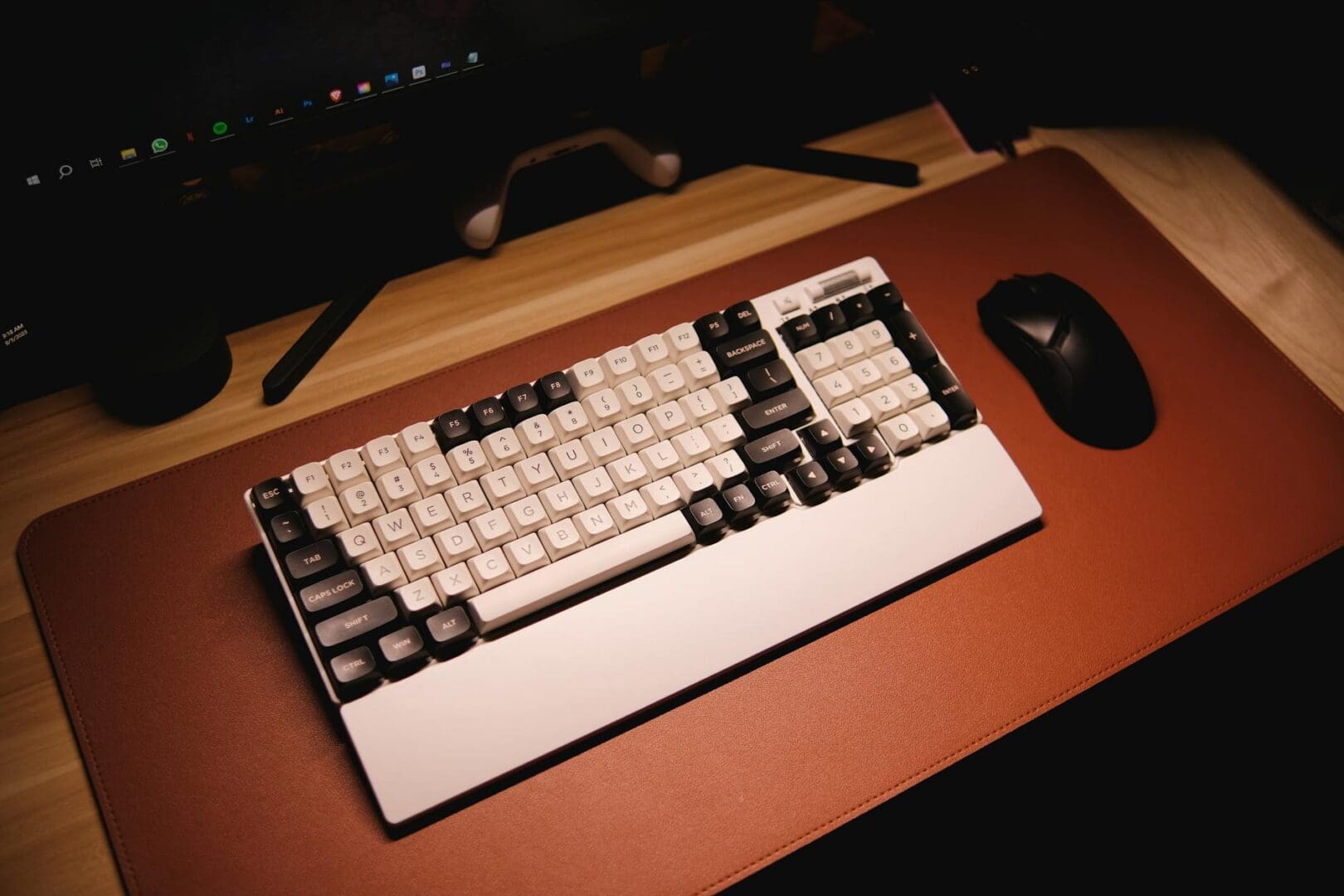
Your desk takes a beating every day—from coffee rings and pen marks to scratches from your keyboard and mouse. A good desk mat protects your workspace while adding a polished, professional look to your home office. But with options ranging from basic mouse pads to full-desk leather blotters, how do you choose the right one?
Size Matters More Than You Think
Desk mats come in three basic size categories, and picking the right one depends on how you actually work. A standard mouse pad (around 10×12 inches) works if you only need cursor control, but most people find them too limiting for today’s multi-device setups.
Extended desk mats (roughly 30×15 inches) are the sweet spot for most home offices. They accommodate your keyboard and mouse comfortably, protect the area where you actually work, and typically cost between $15-40. These work beautifully on standard writing desks and compact workstations.
Full desk mats (36 inches wide or larger) cover most of your desktop surface and create a true workspace boundary. They’re ideal if you spread out with notebooks, tablets, or multiple monitors. Expect to spend $30-80 for quality options, with premium leather versions running $100-200.
Material Choices That Match Your Work Style
The material you choose affects everything from mouse tracking to how your workspace feels throughout the day.
Fabric desk mats with rubber backing are budget-friendly ($15-30) and provide excellent mouse control with a soft surface that’s comfortable for your wrists. The downside? They absorb spills and can be tricky to clean. Look for machine-washable options if you’re a coffee-at-the-desk person.
PU leather mats bring a sophisticated, executive look to your office and wipe clean instantly—perfect if you eat lunch at your desk. They typically run $25-60 for quality versions. The surface is smooth but still allows precise mouse movement, though serious gamers might find them too slick.
Cork and natural fiber mats ($30-70) offer an eco-friendly option with a unique texture. They resist water naturally and develop character over time. Fair warning: they’re not ideal if you need ultra-precise mouse control for design work.
Hard plastic or glass mats ($20-50) are the most durable and easiest to clean, but they lack cushioning for your wrists and can feel cold and impersonal.
Features Worth Considering
Beyond size and material, a few thoughtful features can make your daily work more comfortable. Non-slip backing is non-negotiable—your mat shouldn’t shift when you’re typing or reaching for your mouse.
Stitched or reinforced edges prevent fraying and curling, especially important for fabric mats. Mats without edge stitching typically start peeling within months.
Some desk mats include built-in extras like wireless charging zones ($40-80), cable management channels, or even printed planning calendars. These can be genuinely useful if they match your workflow, but don’t pay extra for features you won’t use.
If you rest your wrists on your desk for long periods, consider a mat with cushioned padding or pair your mat with a separate wrist rest. Your forearms will thank you after eight-hour work sessions.
Finding Your Perfect Match
Start by measuring your actual work zone—not your entire desk, but the area where your arms, keyboard, and mouse actually land during a typical day. Add a couple inches of buffer space.
Think honestly about your habits. If you’re rough on your workspace with frequent spills or heavy use, prioritize durability and easy cleaning over aesthetics. If your home office is visible during video calls, a leather or premium fabric mat adds polish without looking like you’re trying too hard.
Your desk mat should feel like a natural extension of your workspace—protecting your investment in a good desk while making your daily work just a bit more comfortable and organized. Whether you opt for a simple extended mat or splurge on a full-desk leather piece, choosing one that fits your actual needs will make those long work days feel more manageable.
Your home office deserves better than a jumble of mismatched shelves and that filing cabinet you’ve been meaning to replace. A storage wall unit can transform your workspace from chaotic to composed, giving you dedicated spots for books, supplies, tech equipment, and all those things that currently live in piles. The trick is finding one […]
Your back is telling you it’s time. After months of working from home in a dining chair or that hand-me-down seat from college, you’re ready to invest in a proper office chair. The good news? You don’t need to spend $800 on a Herman Miller to get real ergonomic support. The under-$300 market is packed […]
If you’re spending hours at your desk every day, your office chair matters more than you might think. The two most popular materials—mesh and leather—each have devoted fans, but they deliver very different sitting experiences. Let’s break down what actually matters so you can choose the one that fits your workday, your space, and your […]