A cluttered desk creates a cluttered mind—or so the saying goes. If you’re drowning in papers, tangled cables, and desktop knick-knacks that serve no real purpose, it might be time to embrace a minimalist approach. The good news? Creating a streamlined workspace doesn’t mean sacrificing functionality. It’s about keeping what serves you and letting go of the rest.
Start With the Right Desk
Your desk is the foundation of everything, so choose wisely. Minimalist desks typically feature clean lines, simple shapes, and minimal ornamentation. Look for pieces with slim profiles and unadorned surfaces—think rectangular or L-shaped tops without excessive detailing.
A floating wall-mounted desk works beautifully in small spaces and creates an airy feel since you can see the floor beneath it. Standard writing desks range from 42 to 60 inches wide, which gives you enough workspace without dominating the room. Budget options in laminate or engineered wood start around $150-250, while solid wood or steel desks with premium finishes run $400-800.
Pay attention to storage. Built-in drawers sound convenient, but they can become clutter magnets. Many minimalists prefer a simple tabletop design paired with one carefully chosen storage solution. If you do opt for drawers, limit yourself to one or two—just enough for essentials like chargers, notebooks, and office supplies.
Keep Only What You Actually Use
Here’s where most desk setups go wrong: accumulating items “just in case.” A truly minimalist setup means being honest about what earns its place on your desk.
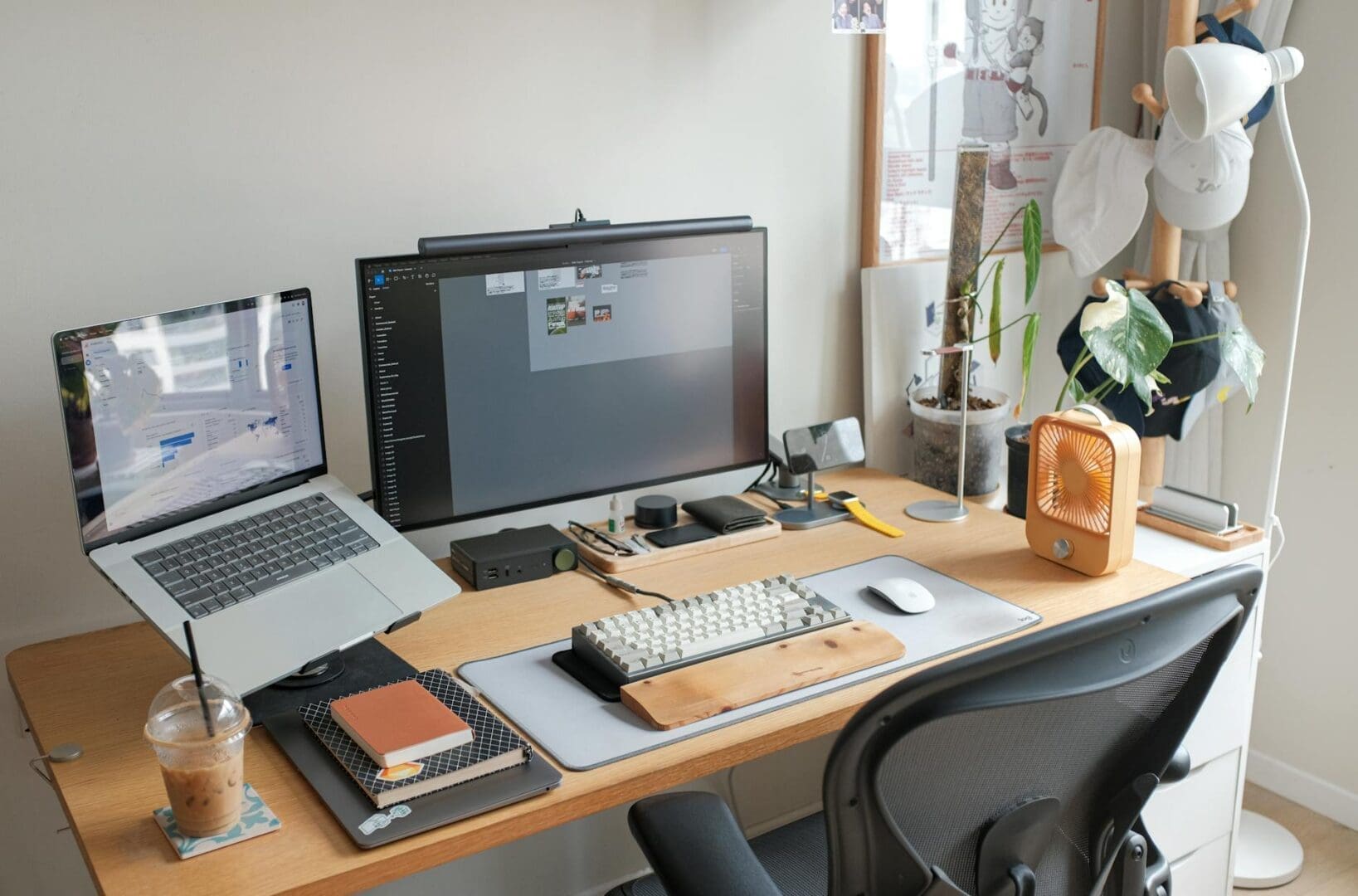
Start with the non-negotiables: your computer or laptop, one writing instrument, and a notebook if you use one. Add a desk lamp with adjustable brightness—LED options with USB charging ports serve double duty and eliminate extra adapters. A single plant or small succulent adds life without taking up valuable real estate.
For desk accessories, think multipurpose. A simple wooden or metal tray can corral small items like paper clips and USB drives while keeping them contained. Skip the pen cup overflowing with dried-out markers. One quality pen in a drawer beats a desktop full of mediocre ones.
Monitor stands and laptop risers serve an ergonomic purpose while creating storage space underneath for a keyboard or notebook. Look for designs in natural wood, matte black metal, or clear acrylic depending on your aesthetic. Prices range from $25 for basic models to $100+ for adjustable or premium materials.
Tackle the Cable Situation
Nothing ruins a minimalist aesthetic faster than a snake pit of cables. Cable management isn’t glamorous, but it’s essential.
Start by eliminating what you can. Wireless keyboards and mice remove two cables immediately. For remaining cords, use adhesive cable clips along the back edge of your desk to route everything neatly out of sight. Cable sleeves bundle multiple cords together into one streamlined tube—they cost under $15 and make a dramatic difference.
A surge protector mounted underneath your desk keeps outlets accessible without the visual clutter. Look for models with widely spaced outlets to accommodate bulky adapters. Some desks come with built-in grommet holes for cord routing, but you can also add these yourself with an inexpensive grommet kit from any hardware store.
Choose Your Color Palette and Materials
Minimalism thrives on cohesion. Select 2-3 colors maximum and stick to them religiously. Classic combinations include white and natural wood, black and walnut, or gray with white oak.
Materials matter too. Natural wood brings warmth without busyness. Powder-coated metal in matte black or white keeps things sleek. Avoid glossy finishes that show every fingerprint and create visual noise. If you’re mixing materials—say, a wood top with metal legs—make sure the tones complement rather than clash.
Your chair deserves the same consideration. A mesh task chair in black or gray blends into the background while providing support. If you prefer something with more personality, a molded plastic shell chair or wooden Windsor-style chair can serve as your one statement piece. Budget $100-200 for decent ergonomic support, or $300-600 for designer options that’ll last years.
Creating a minimalist desk setup is less about deprivation and more about intention. Every item should earn its spot by serving a clear purpose or bringing you genuine joy. Start by choosing a simple desk that fits your space, pare down to essentials, wrangle those cables, and commit to a cohesive look. The result is a workspace that helps you focus, reduces visual stress, and makes sitting down to work actually appealing. Your future self—the one who’s no longer hunting for lost papers or untangling headphone cords—will thank you.
Your home office deserves better than a jumble of mismatched shelves and that filing cabinet you’ve been meaning to replace. A storage wall unit can transform your workspace from chaotic to composed, giving you dedicated spots for books, supplies, tech equipment, and all those things that currently live in piles. The trick is finding one […]
Your back is telling you it’s time. After months of working from home in a dining chair or that hand-me-down seat from college, you’re ready to invest in a proper office chair. The good news? You don’t need to spend $800 on a Herman Miller to get real ergonomic support. The under-$300 market is packed […]
If you’re spending hours at your desk every day, your office chair matters more than you might think. The two most popular materials—mesh and leather—each have devoted fans, but they deliver very different sitting experiences. Let’s break down what actually matters so you can choose the one that fits your workday, your space, and your […]