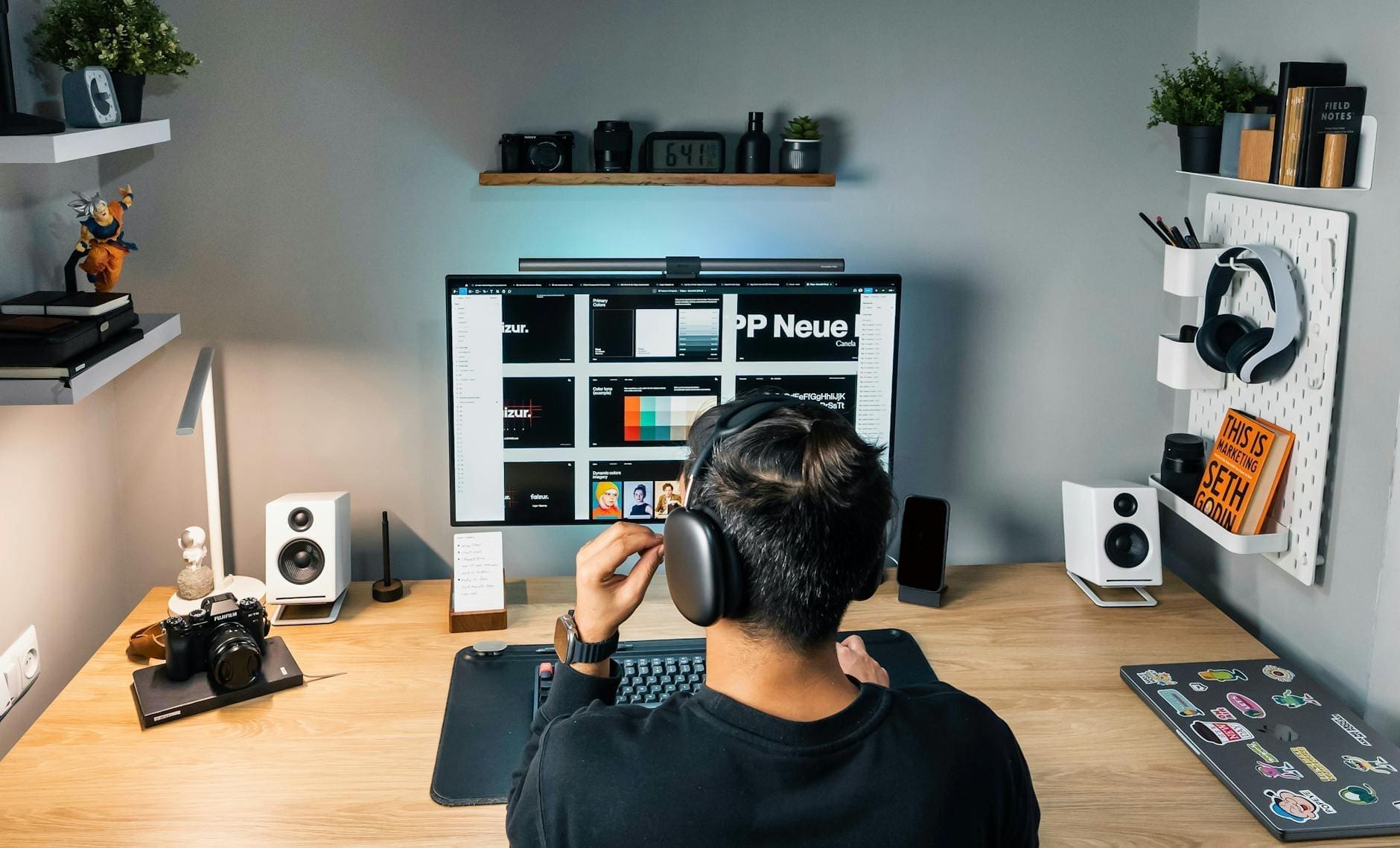
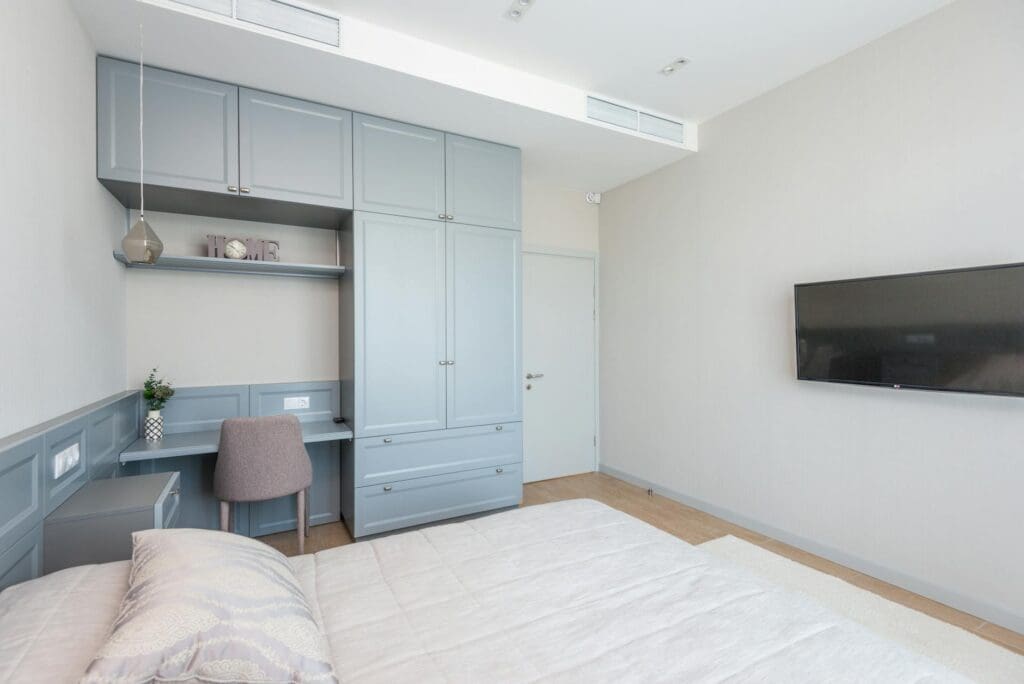
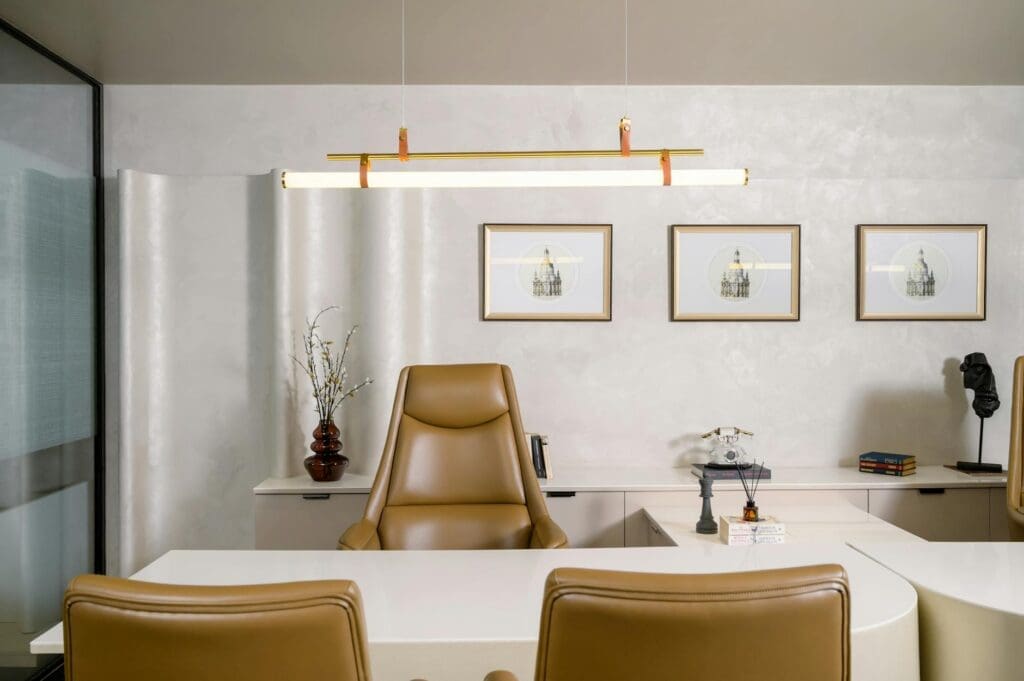
Whether you’re teaching virtually full-time, planning lessons after hours, or just need a dedicated space for grading papers without spreading them across the kitchen table, a thoughtfully designed home office makes everything easier. Teachers have unique workspace needs—you’re juggling lesson plans, student materials, technology for virtual teaching, and mountains of papers that seem to multiply overnight. Let’s set up a space that actually supports the work you do.
The Right Desk Makes All the Difference
Your desk is where you’ll spend hours planning, grading, and preparing materials, so size and functionality matter more than aesthetics (though there’s no reason you can’t have both). Look for a desk that’s at least 48 inches wide to accommodate a monitor or laptop, your planner, and space for spreading out papers or curriculum materials.
L-shaped desks work beautifully for teachers because they create distinct zones—one side for your computer and virtual teaching setup, the other for physical paperwork and hands-on tasks like cutting out bulletin board letters or organizing student portfolios. Budget-friendly options start around $150-250, while solid wood desks with better construction run $400-800. If you frequently switch between standing and sitting throughout long grading sessions, height-adjustable desks ($300-600) can help reduce fatigue.
Pay attention to depth too. A 24-inch deep desk accommodates a monitor and keyboard, but 30 inches gives you room to pile reference books and teaching guides behind your laptop without feeling cramped.
Storage That Handles the Paper Avalanche
Teachers accumulate stuff—textbooks, manipulatives, art supplies, filed lesson plans, and yes, all those papers. A home office without adequate storage quickly becomes chaos.
Start with a filing cabinet for student records, curriculum documents, and archived lesson plans. A standard two-drawer vertical cabinet ($80-150) fits beside most desks, while lateral files ($200-400) provide more storage and a surface for a printer. Open shelving units keep frequently-used teaching resources visible and accessible. Look for adjustable shelves so you can accommodate everything from standard binders to oversized poster boards.
Desktop organizers and drawer dividers are essential for the small stuff—flash drives, dry erase markers, paper clips, sticky notes, and all those random teacher supplies. Dedicate one drawer to supplies you use daily and keep backup inventory elsewhere. Wall-mounted magazine holders ($30-60 for a set) work perfectly for sorting papers by class period or subject without eating up desk space.
Tech Setup for Virtual and Hybrid Teaching
If you’re teaching virtually or recording lessons, your tech setup needs to be reliable and always ready to go. Position your desk so you’re not backlit by a window during video calls—facing a window or having it to your side creates much better lighting.
A monitor arm ($40-150) frees up desk space and lets you adjust your screen height for better ergonomics during those marathon grading sessions. If you’re teaching on camera, consider an external webcam ($60-120) positioned at eye level rather than the unflattering angle of a laptop camera. A good desk lamp with adjustable brightness ($45-100) ensures you’re well-lit for video lessons and can see what you’re doing during evening work sessions.
Cable management boxes or clips ($15-30) keep charging cables, headphone cords, and other wires from creating visual clutter that shows up during virtual teaching. It’s a small detail that makes your space feel more professional.
Comfortable Seating for Long Sessions
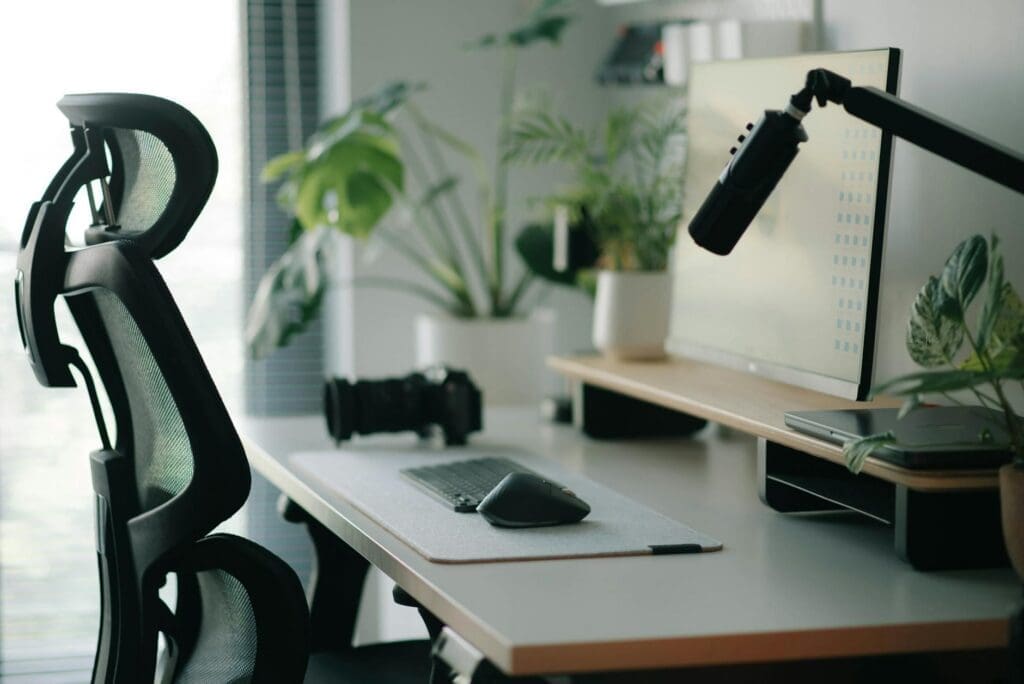
Grading 30 essays or planning a week’s worth of lessons means sitting for extended periods. An ergonomic office chair with adjustable height, lumbar support, and armrests ($200-400) prevents the back pain that comes from hunching over papers. Mesh backs provide better airflow than upholstered chairs if you tend to run warm.
Budget options ($100-150) work fine if you take regular breaks, but if you’re spending 3-4 hours at a stretch in your home office, investing in a quality chair pays off in comfort. Look for chairs rated for 8-hour use if you’re working full days from home.
Your home office should make teaching tasks easier, not harder. Start with a desk that fits your workflow, add storage that corrals the inevitable paper accumulation, and invest in a chair that won’t leave you achy. When your space is set up right, you can focus on what matters—your students and your teaching—rather than fighting with your furniture.
Your home office deserves better than a jumble of mismatched shelves and that filing cabinet you’ve been meaning to replace. A storage wall unit can transform your workspace from chaotic to composed, giving you dedicated spots for books, supplies, tech equipment, and all those things that currently live in piles. The trick is finding one […]
Your back is telling you it’s time. After months of working from home in a dining chair or that hand-me-down seat from college, you’re ready to invest in a proper office chair. The good news? You don’t need to spend $800 on a Herman Miller to get real ergonomic support. The under-$300 market is packed […]
If you’re spending hours at your desk every day, your office chair matters more than you might think. The two most popular materials—mesh and leather—each have devoted fans, but they deliver very different sitting experiences. Let’s break down what actually matters so you can choose the one that fits your workday, your space, and your […]