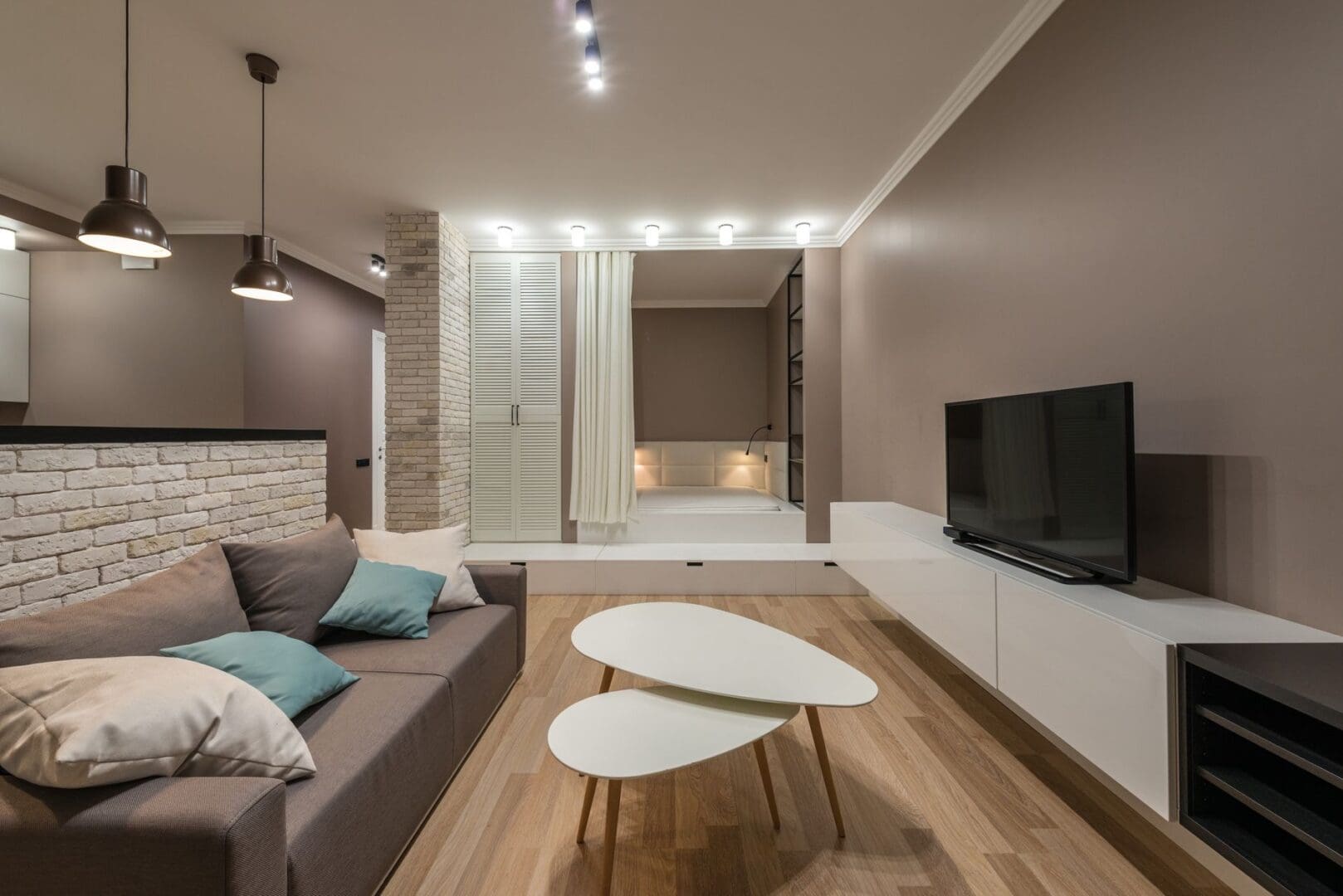
Your TV stand shouldn’t be a dumping ground for remotes, tangled cables, old DVDs, and random knickknacks. It’s often the focal point of your living room, which means clutter here affects how your entire space feels. The good news? With a few smart organizing strategies and the right approach, you can transform your TV stand from chaotic to calm—and actually keep it that way.
Start With What You Actually Need There
Before you organize anything, get honest about what belongs on or near your TV stand. Most of us have accumulated devices and accessories we rarely touch. Pull everything off and ask yourself what you’ve used in the past month. Your streaming device, soundbar, and gaming console earn their spots. That DVD player you haven’t touched since 2019? Probably not.
A good rule of thumb: if your TV stand has two shelves or cabinets, dedicate one to active electronics and another to everyday items like remotes and a few decorative pieces. Everything else should find a home elsewhere. Media storage has changed dramatically—if you’re still housing a massive DVD collection, consider switching to digital or moving physical media to a dedicated bookshelf or storage cabinet in another room.
Tackle the Cable Chaos First
Nothing makes a TV stand look messier faster than a nest of visible cables. This is the unglamorous work that makes the biggest visual difference. Start by unplugging everything and labeling each cable with small stickers or tape—you’ll thank yourself later.
Invest in cable management solutions that match your setup. Velcro cable ties (around $8-15 for a pack) keep cords bundled neatly behind your stand. Cable raceways or channels ($12-25) mount along the wall to hide cords running from wall outlets to your devices. For stands with open backs, adhesive cable clips ($6-10) route wires along the inside edges where they’re less visible.
If your TV stand has a built-in cable management system with grommets or channels, actually use it. Thread cables through these openings rather than letting them drape over shelves. The few extra minutes of setup time pays off every single day when you look at a clean backdrop instead of cord spaghetti.
Use Smart Storage Solutions for Small Items
Remotes, batteries, charging cables, and game controllers need accessible homes, or they’ll end up scattered across your coffee table. The key is contained storage that you can easily grab and put back.
Small decorative boxes or trays ($15-40) corral remotes while looking intentional rather than cluttered. Choose ones that complement your decor style—a sleek acrylic tray for modern spaces, a woven basket for bohemian or farmhouse looks, or a leather catchall for traditional rooms. Keep one universal remote spot everyone in your household knows about.
For TV stands with drawers or cabinets, use drawer dividers ($10-25) to create designated zones. One section for remotes and batteries, another for cables and adapters, another for gaming accessories. Without dividers, drawers become black holes where everything tangles together.
Style With Intention, Not Clutter
An organized TV stand isn’t necessarily a bare one—strategic styling actually helps it look more pulled-together. The trick is being selective. Choose 2-4 decorative items maximum: a small plant, a sculptural object, a stack of beautiful books, or a framed photo.
Leave breathing room between items rather than cramming every inch of surface space. If your TV stand has open shelving, use the lower shelves for contained storage (those boxes and baskets we talked about) and reserve one shelf for a few curated decorative pieces. Balance is key—if one side holds your gaming console, place a plant or decorative object on the other side for visual weight.
Consider the sight lines from your couch. Anything you place on the TV stand should enhance the view, not distract from it. Lower-profile items work better than tall ones that compete with your screen.
Maintain the System You Create
Organization only works if it’s easy to maintain. Do a quick 2-minute reset each week—return remotes to their tray, wipe down surfaces, and straighten any items that have shifted. Once a month, check behind your TV stand for dust buildup and rogue cables that have worked loose.
The right TV stand makes organization infinitely easier. Look for pieces with a mix of open and closed storage, built-in cable management, and enough depth to accommodate equipment without cords hanging out the back. Stands with adjustable shelves let you customize the space as your needs change.
You’ve created a clean, functional entertainment center that actually stays that way. When everything has a designated spot and cables are under control, maintaining order becomes almost automatic. Your living room will feel more spacious and intentional—exactly what your main gathering space should be.
You need more storage in your living room, but a bulky bookcase feels too heavy and floating shelves aren’t cutting it. A credenza might be exactly what you’re looking for—it’s that low-profile cabinet that gives you tons of hidden storage while creating a beautiful surface for lamps, plants, and the things you actually want to […]
If you’ve been hitting snooze repeatedly or dragging yourself out of bed feeling groggy, you’re not alone. Waking up to a jarring alarm in a dark room works against your body’s natural rhythms, especially during winter months. A sunrise alarm clock mimics natural dawn, gradually filling your room with light to ease you awake. But […]
Waking up at 3 a.m. with a sweaty neck and flipping your pillow to the cool side for the fourth time isn’t just annoying—it’s robbing you of quality sleep. If you’re a hot sleeper, your pillow might be trapping heat against your head and neck all night long. The good news? The right cooling pillow […]